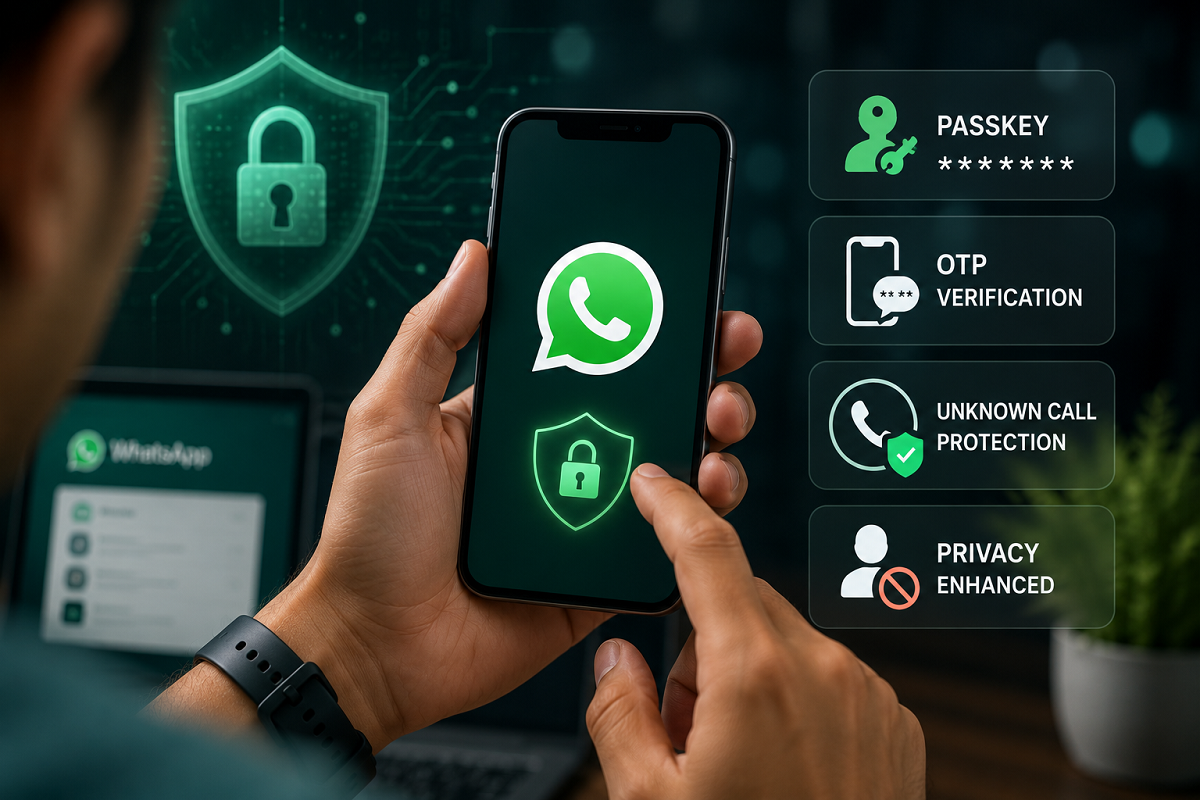
WhatsApp Security Update 2026: WhatsApp has introduced changes to strengthen account protection and make it harder for scammers to take control of user accounts. The latest security measures focus on three common risk areas — suspicious login attempts, OTP-based fraud and calls from unknown numbers.
The messaging platform already uses end-to-end encryption for personal chats and calls, but account-level security remains equally important. Cybercriminals often try to trick users into sharing verification codes, approving fake login attempts or interacting with unknown callers. The latest changes are aimed at reducing those risks and giving users more control over how their accounts are accessed.
Here is a simple explanation of what has changed and what WhatsApp users should do to keep their accounts safer.
Passkeys Make Login More Secure
One of the biggest changes is the wider use of passkeys for account verification.
A passkey allows users to verify their identity using the security method already available on their device, such as a fingerprint, face unlock or screen lock. This reduces dependence on traditional passwords and can also make it harder for attackers to steal login credentials through phishing.
Passkeys are generally considered more secure because users do not need to remember or type a password that can be copied, guessed or reused across different services.
For WhatsApp users, enabling passkey-based login can add another layer of protection against unauthorized account access.
OTP Fraud Remains a Major Risk
OTP-based scams are still one of the most common ways criminals attempt to hijack WhatsApp accounts.
When WhatsApp sends a verification code during account registration or login, that code should never be shared with another person. Scammers may pretend to be friends, customer-service representatives or even company officials and ask users to forward the OTP.
Once the verification code is shared, the attacker may be able to register the victim's WhatsApp number on another device.
The safest rule is simple: never share a WhatsApp verification code with anyone, even if the request appears to come from someone you know.
Users should also be cautious if they suddenly receive an OTP without trying to log in. It may indicate that someone else is attempting to access the account.
Unknown Call Protection Gets More Attention
Calls from unfamiliar numbers are another area where WhatsApp users often face spam and fraud attempts.
Unknown callers may try to build trust, create urgency or convince users to reveal personal and financial information. In some cases, repeated international calls or suspicious missed calls are used to provoke a response.
WhatsApp provides controls that can help users reduce this risk by silencing calls from unknown numbers.
When this feature is enabled, calls from numbers not saved in the user's contacts may not ring normally, although they can still appear in the call list. This allows users to review them later without being repeatedly disturbed.
The setting can be particularly useful for people who receive frequent spam or scam calls.
Why Two-Step Verification Still Matters
Even with passkeys and OTP protection, users should not ignore two-step verification.
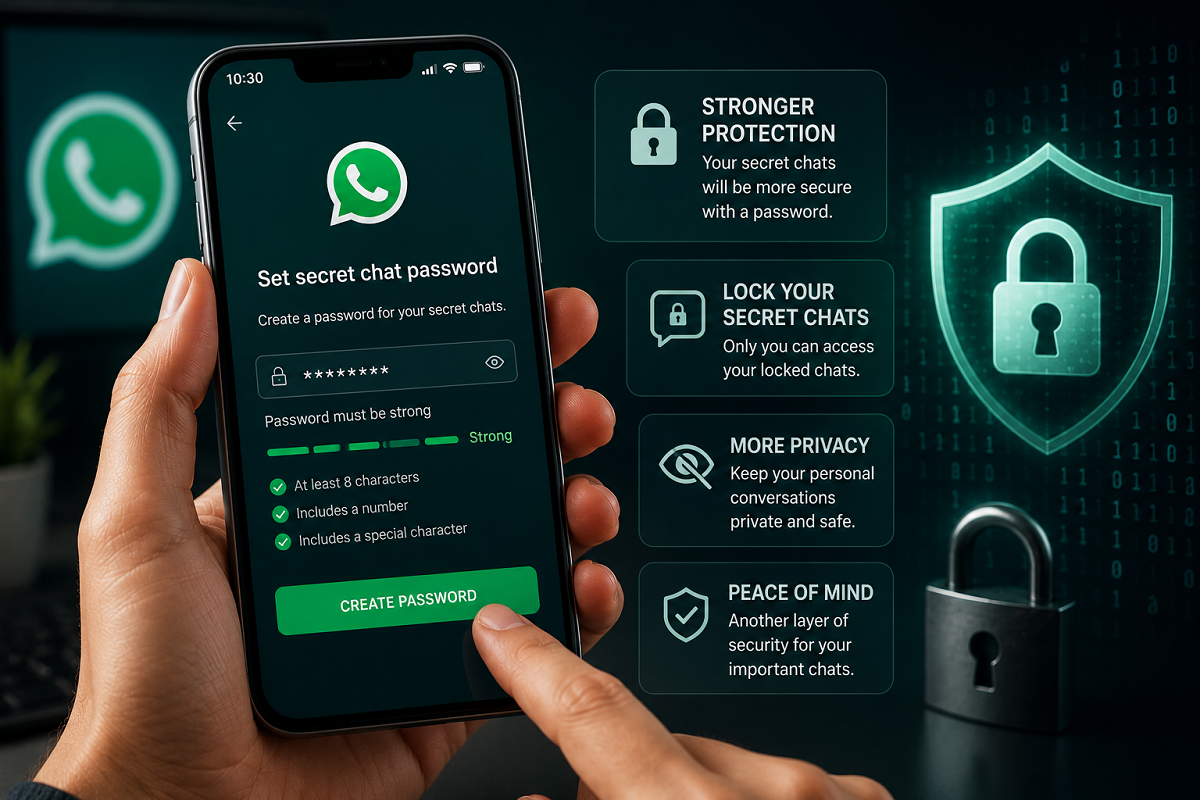
This feature lets users create an additional PIN for their WhatsApp account. The PIN may be requested during registration or account recovery, providing another barrier if someone manages to obtain the OTP.
A strong two-step verification PIN should not be easy to guess, and users should avoid using simple combinations such as birthdays or repeated digits.
Adding a recovery email, where supported, can also make it easier to regain access if the PIN is forgotten.
Be Careful With Linked Devices
Another important security check is the Linked Devices section inside WhatsApp.
If someone gains temporary access to an unlocked phone, they may attempt to connect another device to the account. Users should therefore review the linked-device list regularly.
Any browser, computer or device that looks unfamiliar should be logged out immediately.
This is especially important for people who use WhatsApp Web or WhatsApp Desktop on shared computers.
Never Trust Urgent Money Requests Automatically
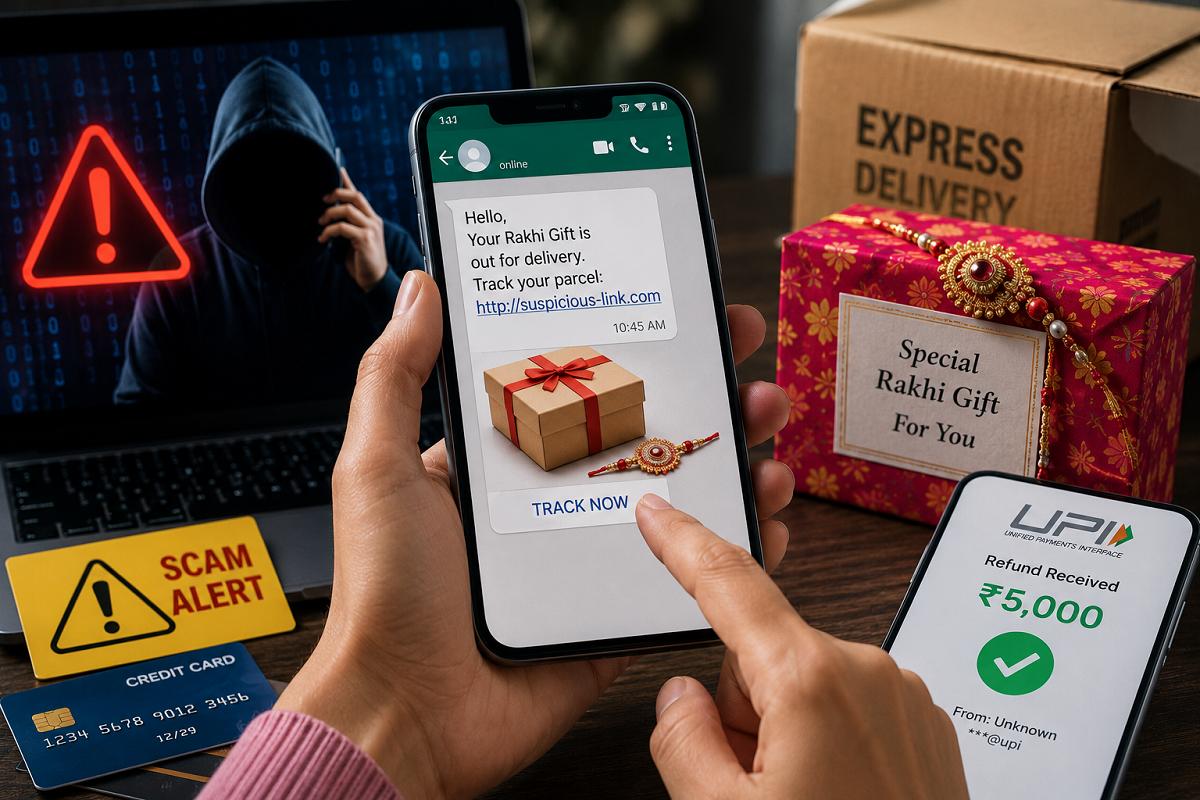
Account-security features can reduce technical risks, but many WhatsApp scams rely on social engineering rather than hacking.
A fraudster may impersonate a relative, colleague or senior official and ask for urgent money transfers, gift cards or confidential information.
If a request involves money, OTPs, banking details or passwords, verify it through another trusted method before taking action.
Calling the person directly on a known number can help confirm whether the message is genuine.
What Users Should Do Now
WhatsApp users can improve account security by reviewing a few important settings.
Enable passkeys if the option is available on your device, switch on two-step verification and regularly check linked devices. Silencing unknown callers can also reduce unwanted interruptions and scam exposure.
Most importantly, never share OTPs, PINs or verification codes.
Users should also keep WhatsApp and their phone's operating system updated, because security improvements are often delivered through software updates.
How to Recognize a Possible Account Takeover Attempt
Several signs may indicate that someone is trying to access your WhatsApp account.
You may receive an unexpected verification code, see an unfamiliar linked device, get repeated login-related notifications or suddenly lose access to your account.
If any of these happen, act quickly. Do not share verification codes, remove unknown linked devices and use the official account-recovery process if necessary.
You should also inform close contacts if you suspect your account has been compromised, especially if fraudulent messages may have been sent in your name.
The Bottom Line
WhatsApp's latest security changes are designed to make account access safer and reduce common fraud risks linked to OTP theft, suspicious logins and unknown calls.
Passkeys can strengthen authentication, two-step verification adds another protective layer, and unknown-call controls can help reduce spam and scam attempts.
However, user awareness remains critical. No security feature can fully protect an account if verification codes or personal information are voluntarily shared with scammers.
The best approach is to combine WhatsApp's built-in security tools with cautious online behaviour — especially when dealing with unexpected calls, urgent requests or login codes.