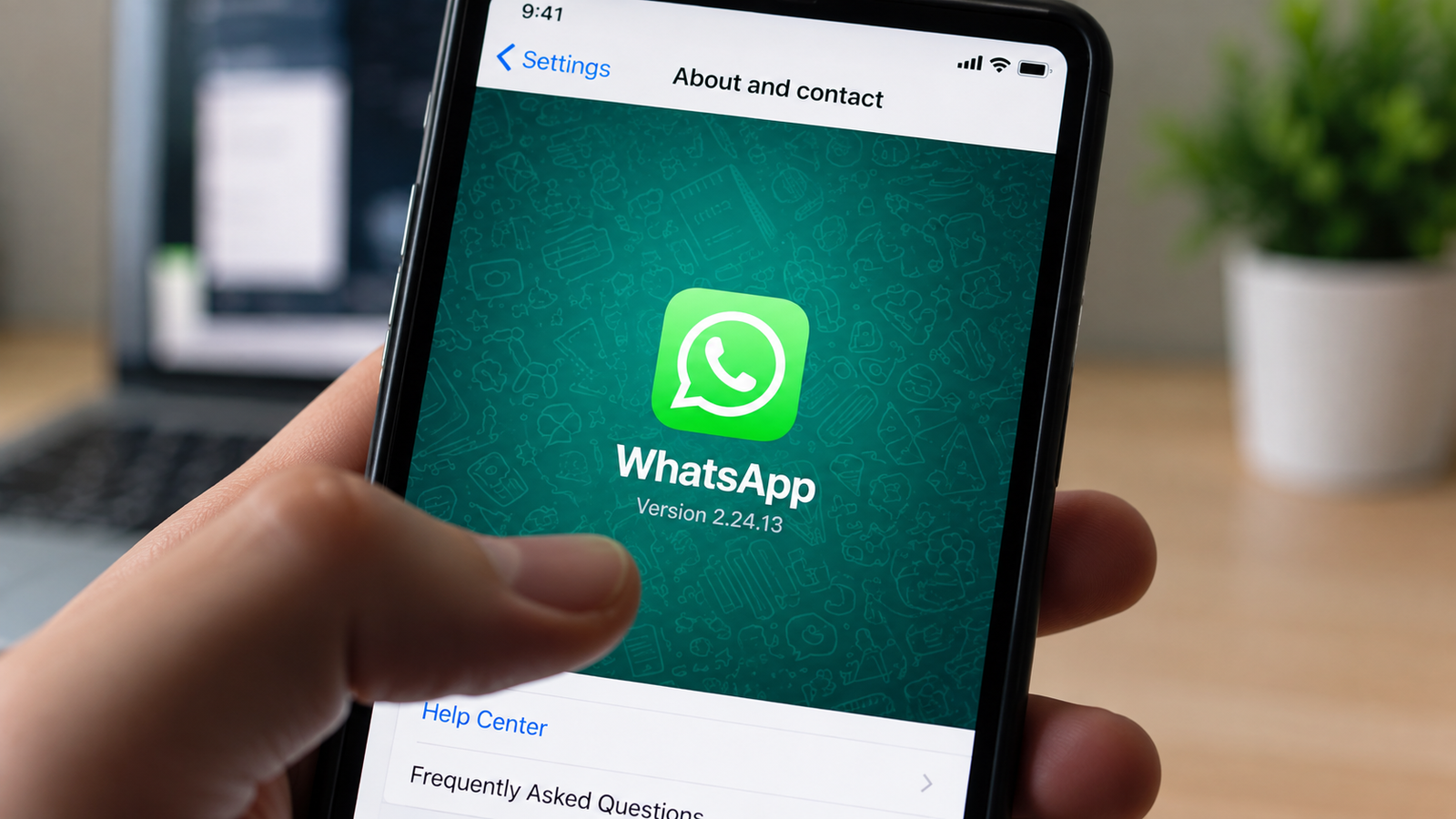
Losing old WhatsApp conversations can be worrying, particularly when chats contain important messages, photographs, documents or personal memories. This situation commonly arises after switching to a new smartphone, reinstalling WhatsApp or resetting a device.
The good news is that old WhatsApp chats may be recoverable if a suitable backup was created before the conversations disappeared. For Android users, this generally means checking whether WhatsApp data is backed up through the Google Account linked to the app.
However, simply reinstalling WhatsApp does not guarantee that every old message will return. Whether chats can be recovered depends largely on the availability and date of the backup.
Here is what Android users should know before attempting to restore their WhatsApp chat history.
First Check Whether a WhatsApp Backup Exists
Before reinstalling WhatsApp or attempting a restore, it is useful to confirm whether a backup of your conversations is available.
According to the supplied information, Android users can check for an existing WhatsApp backup through their Google Account.
Open the Google One app and sign in using the Google Account associated with your WhatsApp backup. Go to the storage section and check the area where device or other backed-up data is displayed.
If a WhatsApp backup is associated with the account, its details should be visible there.
This step is important because WhatsApp can only restore messages that were included in an available backup. Messages created after the most recent backup may not be recoverable through that backup.
Why the Correct Google Account Matters
Many Android users have more than one Google Account added to their phones. This can cause confusion while attempting to restore WhatsApp.
If your WhatsApp backup was created using one Google Account but you try to restore it while using another, the expected backup may not be detected.
Before beginning the process, make sure that the Google Account associated with your earlier WhatsApp backup is available on the device.
This is especially important when setting up WhatsApp on a newly purchased smartphone.
Use the Same Phone Number
Your phone number is another important part of the WhatsApp restoration process.
When reinstalling WhatsApp, complete the phone-number verification process using the number associated with the backup you are trying to recover.
Once WhatsApp verifies the account and detects an eligible backup, it can provide the option to restore the available chat history.
Follow the on-screen instructions carefully rather than skipping the restore prompt.
How to Restore WhatsApp Chats After Reinstalling the App
If an eligible backup exists, the restoration process is generally performed while setting up WhatsApp again.
Install WhatsApp on the Android phone and begin the normal account setup. Verify the required phone number and make sure the appropriate Google Account is available on the device.
If WhatsApp detects a compatible backup, follow the on-screen restore option.
Depending on the amount of data stored in the backup and the speed of your internet connection, the process may take some time.
Users should ideally keep the phone connected to a stable internet connection and ensure that the device has sufficient battery and storage space during restoration.
Why Some Recent Messages May Be Missing
A backup represents WhatsApp data from a particular point in time.
For example, if your most recent backup was created several days ago, messages exchanged after that backup may not be included in the restored copy.
This is why regularly maintaining backups can be useful for people who consider their WhatsApp conversations important.
Users should periodically check their WhatsApp backup settings rather than waiting until they lose access to their chats.
Changing Phones? Check Your Backup Before You Start
One of the most common times users need their old WhatsApp history is when moving to a new smartphone.
Before deleting WhatsApp from the old phone, resetting it or giving the device to someone else, check that your important conversations are backed up or use WhatsApp's supported transfer method where applicable.
Confirming that the required data is safely available before wiping the old device can prevent unnecessary problems later.
Do not assume that simply signing in on a new phone will automatically recover every conversation.
Don't Repeatedly Delete and Reinstall WhatsApp
If chats suddenly appear to be missing, repeatedly uninstalling and reinstalling WhatsApp without checking the backup situation may complicate matters.
First identify whether the required backup exists and which Google Account is associated with it.
If you are still able to access WhatsApp on the original phone, avoid deleting data until you have confirmed that the conversations you need are safely backed up or transferred.
Be Careful With Third-Party WhatsApp Recovery Apps
Users searching online for ways to recover deleted messages may encounter third-party apps or websites claiming they can restore WhatsApp conversations instantly.
Such tools should be treated cautiously, particularly if they request access to your messages, Google Account credentials, OTPs, files or other sensitive information.
For account security and privacy, prefer WhatsApp's official backup and transfer options rather than handing sensitive data to unknown services.
Never share a WhatsApp verification code or Google Account password with anyone claiming they need it to recover your chats.
Regular Backups Can Prevent a Bigger Problem Later
The easiest time to think about recovering WhatsApp chats is before they disappear.
Users who have important conversations, photos or documents stored in WhatsApp should periodically review their backup settings and ensure the correct account is being used.
If you change your smartphone frequently, this becomes even more important.
The key point is that disappearing WhatsApp chats do not always mean the conversations are permanently lost. If a suitable backup exists and the required account information matches, old chats may be restored during WhatsApp setup.
Before taking any drastic step, check your available backup, verify that you are using the correct Google Account and phone number, and then follow WhatsApp's on-screen restoration process.