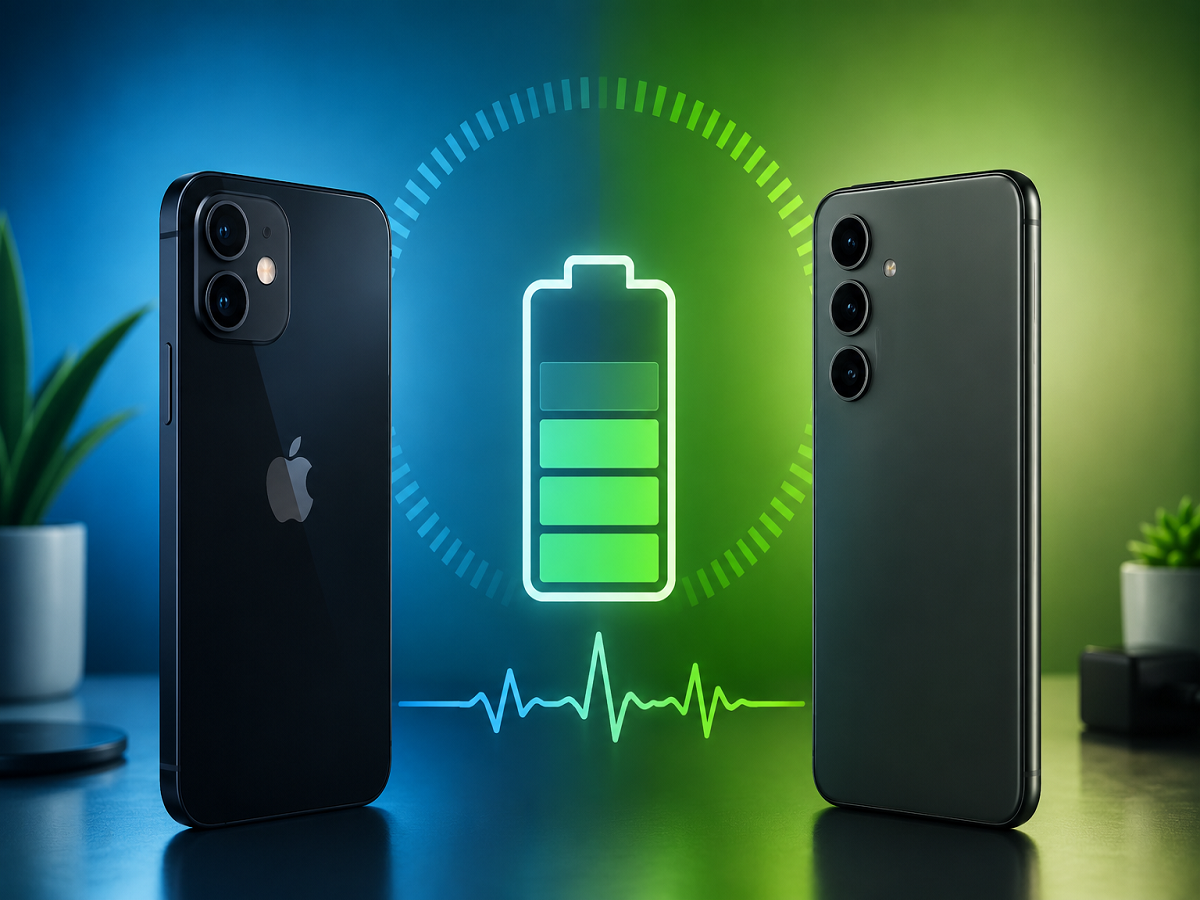
A smartphone that once comfortably lasted from morning to night may eventually start demanding a charger before the day is over. In many cases, this does not mean there is something wrong with the phone itself. Rechargeable batteries gradually lose their ability to store energy, making battery condition an important factor in determining how well an ageing smartphone performs.
Fortunately, users of modern iPhones and many Android devices can now access useful information about battery condition without opening the phone or immediately visiting a repair centre. Depending on the handset, this information may include remaining capacity, charging cycles, performance status and diagnostic results. However, the process is not identical across brands.
Battery Percentage and Battery Condition Are Two Different Things
The number displayed in the corner of your phone's screen represents the power currently available for use. Battery condition, meanwhile, indicates how much energy the ageing battery is capable of storing compared with its original capacity.
Suppose a phone reports that its battery retains 85% of its initial capacity. This means its energy-storage capability has declined from when the handset was new. It does not mean the phone currently has an 85% charge.
Daily endurance is also affected by how the device is being used. High display brightness, prolonged gaming, navigation, video recording and poor network reception can drain a charge quickly even when the battery itself remains in reasonable condition.
Finding Battery Condition Details on an iPhone
Apple provides battery-related information directly within iOS, but the wording of the relevant menu varies between iPhone generations.
Owners of iPhone 15 or newer devices can navigate through Settings, choose Battery, and then open Battery Health. On iPhone 11 through iPhone 14, users may instead find the information under a section called Battery Health & Charging.
Rather than concentrating only on a single percentage, users should examine the available capacity reading together with any performance-related information shown by iOS.
Newer Apple devices provide additional data as well. On iPhone 15 and subsequent models using iOS 17.4 or above, the battery information screen can include the number of completed charging cycles, the manufacturing date and when the battery was first used.
Why Charging Cycles Matter More Than Many Users Realise
A charging cycle is commonly misunderstood as one trip from an empty battery to a full one. In reality, it is calculated from accumulated battery consumption.
For example, consuming 60% of the available capacity on one day and another 40% later would together equal one complete cycle. Multiple partial charging sessions can therefore contribute to the same cycle rather than each recharge automatically being counted as a full cycle.
Apple's reference figures also differ between generations. Batteries used in iPhone 15 and newer models are designed to maintain around 80% of their original capacity after approximately 1,000 complete cycles under ideal conditions. For iPhone 14 and older models, the corresponding design reference is 500 cycles.
These figures should be viewed as benchmarks rather than fixed expiry dates because battery deterioration can vary according to temperature, age and usage habits.
Buying a Used iPhone? Look Beyond the Capacity Number
Battery condition becomes especially important when purchasing a pre-owned device. A healthy-looking percentage does not necessarily reveal the complete repair history of a handset.
On compatible iPhones running iOS 15.2 or later, users can navigate to Settings > General > About and check whether a Parts and Service History section appears. The feature can provide information about previously replaced components when a repair is recognised by the system.
A second-hand buyer should combine this information with a physical inspection, charging test and any available service documentation rather than relying on one software indicator.
Pixel Phones Offer Their Own Battery Assessment Tools
Google's approach differs depending on the Pixel generation.
On the Pixel 8a and newer devices, owners can head to Settings > Battery > Battery health to view an assessment of the battery. Depending on its condition, the device can report a status such as Normal or Reduced, along with an estimated capacity measurement.
Cycle information can also be accessed through the phone-information section on supported devices. Some earlier Pixel models do not display the same health interface, although Pixel 6 and newer phones include diagnostic options for investigating problems such as abnormal power consumption, excessive temperature or charging difficulties.
Google's reference targets also vary by device generation. Pixel 3 through Pixel 8 Pro and Pixel Fold batteries are rated at roughly 800 cycles before reaching around the 80% retained-capacity mark under recommended conditions. Pixel 8a and newer devices carry a reference figure of about 1,000 cycles.
Samsung Users Can Run an Official Battery Diagnosis
Samsung does not rely solely on a universal percentage-based battery-health screen across its Galaxy range. Instead, its Samsung Members application provides an official diagnostic route.
Users can generally enter Samsung Members, select Support, open Phone diagnostics, and choose the battery-related test. The result may classify the battery as Normal, Weak or Bad. Exact wording and menu placement can differ according to the device and software release.
Some Galaxy handsets may display additional battery statistics elsewhere in their settings, but these options are not necessarily available across every model.
OnePlus, Realme, Xiaomi and Other Android Phones Work Differently
Unlike Apple's relatively consistent approach, Android manufacturers have considerable flexibility over how battery data is presented.
Certain OnePlus smartphones provide battery information within the Battery section of Settings. Compatible Realme models may also display maximum capacity information. Xiaomi, Redmi and Poco devices can place related features within their battery-protection controls.
Selected Vivo and iQOO phones can provide capacity, charging-cycle and battery-date information, while supported Motorola devices may offer similar statistics through their battery-information menu. Availability can vary significantly according to model, region and software version.
If no obvious option appears, searching the phone's Settings for terms such as battery health or battery diagnostics is a practical starting point. The manufacturer's own support or diagnostic application can also provide additional information.
An 80% Reading Is a Warning Point, Not an Automatic Failure
Seeing the battery capacity approach 80% can make users assume an immediate replacement is necessary. That is not always the case.
At roughly 80% condition, a fully charged battery can store about four-fifths of the energy it originally held. Whether this reduction is troublesome depends heavily on usage. Someone who regularly records video, plays demanding games or uses GPS navigation may notice the lost capacity far more than a person who mainly makes calls and checks messages.
Instead of treating 80% as a strict deadline, look for accompanying symptoms. Multiple charging sessions during a normal day, unexplained shutdowns and noticeable performance difficulties under heavier workloads can all make professional battery inspection more worthwhile.
A Raised Screen or Back Panel Needs Immediate Attention
Battery capacity is not the only warning sign worth watching.
If the display begins separating from the frame or the rear panel starts lifting, a swollen battery could be responsible. Users should avoid forcing the raised panel back into place and should arrange suitable professional servicing or recycling instead.
This type of physical change should be treated differently from ordinary reductions in daily battery backup.
Your Charging Environment Can Affect Long-Term Battery Condition
Heat can accelerate battery deterioration, which means charging habits are about more than simply choosing between fast and slow charging.
Activities such as gaming, navigation or intensive camera use can generate additional heat, particularly when performed while the device is connected to power. Charging a phone under bedding, leaving it in direct sunlight or keeping it inside a hot parked vehicle can expose the battery to unnecessarily high temperatures.
Wireless charging can also produce additional heat because energy transfer is not perfectly efficient. Proper charger alignment, ventilation and a cool surface can therefore be helpful.
Charging to 100% Every Day May Not Always Be Necessary
Modern phones increasingly include charging controls intended to reduce prolonged battery stress.
If your smartphone routinely finishes the day with plenty of power remaining, an available 80% or 90% charging cap may be worth using. Full charging can still be useful before travelling, extended navigation, long photography sessions or other situations where maximum endurance is required.
The goal is not to obsess over every charging session. Instead, users can choose a charging routine that provides enough daily range while limiting unnecessary exposure to heat and prolonged high charge levels.
Poor Daily Backup Does Not Always Mean the Battery Is Damaged
Before paying for a replacement, users should also investigate what is consuming the battery.
An application running excessively in the background, unusually high screen usage or extended periods of weak mobile reception can dramatically increase power consumption. Correcting these problems can improve everyday runtime without changing the battery's underlying capacity.
This distinction is particularly useful when a relatively new phone suddenly begins draining faster after an application or software change.
Battery Replacement Could Extend Your Phone's Useful Life
A deteriorating battery does not necessarily justify purchasing an entirely new smartphone.
If the processor remains fast enough, the cameras still meet your requirements, the display is in good condition and the device continues receiving appropriate software support, fitting a fresh battery may substantially improve daily usability.
Replacement costs vary according to the handset, service centre, taxes and any additional work required during the repair. Users should therefore obtain a current estimate from an authorised service provider for their specific model instead of relying on an old or generic price list.
The Bottom Line
Battery condition in 2026 is easier to investigate than it was on many older smartphones, but there is still no single method that applies to every device.
iPhone owners can use Apple's built-in capacity and performance information, newer Pixel phones provide their own health indicators, Samsung offers diagnostics through Samsung Members, and other Android manufacturers use different menus and tools.
Most importantly, do not judge a smartphone by one percentage alone. Consider its remaining capacity, charging cycles where available, actual daily endurance, temperature behaviour, unexpected shutdowns and repair history together.
If the handset still performs reliably and comfortably lasts through your normal routine, there may be little reason to replace its battery immediately. But when declining capacity is accompanied by poor endurance, shutdowns or physical battery-related changes, professional inspection can help determine whether a new battery could give the phone several more useful years.