Technology
Fake Adult Apps Could Hijack Your Android Phone and Steal Money: Government Issues Cyber Fraud Alert
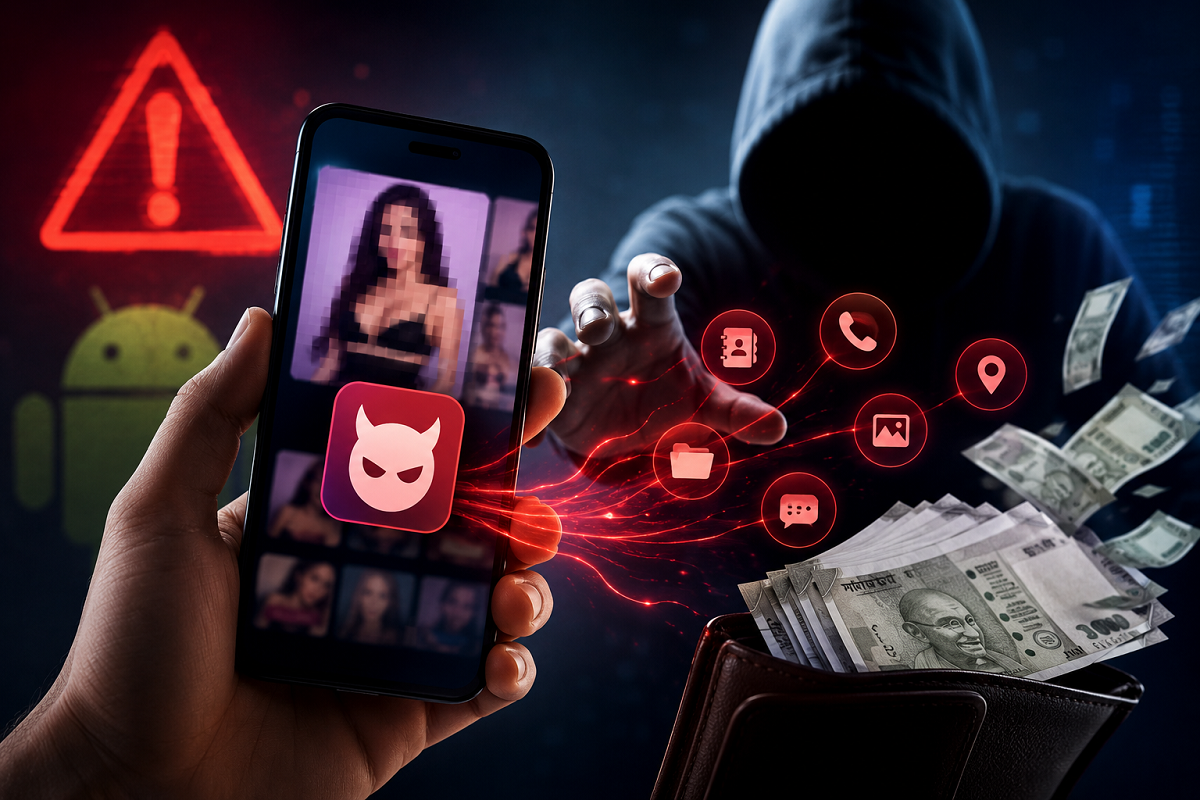
A new type of mobile banking scam has prompted a cyber-security warning in India, with fraudsters allegedly using fake adult-content apps to gain access to Android smartphones. Users are being lured through advertisements appearing on social media platforms such as Facebook and Instagram and then encouraged to install applications from outside official app stores.
The Indian Cyber Crime Coordination Centre (I4C), which functions under the Ministry of Home Affairs, has warned users about malicious Android applications being presented as pornography apps. These apps may seek powerful permissions after installation, potentially allowing cybercriminals to interfere with the phone and put personal and financial information at risk.
The alert is particularly important for Android users who download APK files from websites, advertisements or links instead of trusted app stores.
Fake Apps Being Promoted Through Social Media Ads
According to the government warning, fraudulent applications are being circulated through advertisements on Facebook and Instagram. Some of the names identified in connection with such apps include Night Play, Reloop, Kyss, Vimo, Rivo, Nexo and Vixa, along with similar variants.
The advertisements may use adult content to attract attention and encourage users to click. Instead of taking the person to a legitimate application on an official app store, the link may redirect them to an external website.
The website then prompts the user to download an Android Package Kit, commonly known as an APK file. Installing apps in this manner can bypass some of the protections consumers normally receive when using trusted application stores.
What Happens After a Fake APK Is Installed?
Downloading the APK is only the beginning of the potential threat. Once installed, the malicious application may request access to sensitive functions on the smartphone.
One of the most important permissions users should watch for is Accessibility access.
Accessibility features are designed to help people interact with their devices, but granting such extensive access to an unknown or malicious application can create serious security problems.
If misused, these permissions can potentially allow malicious software to observe activity on the device or interact with certain phone functions. This could give attackers significantly greater control than users may realise when approving the permission request.
Fake App Updates May Create Another Security Risk
The threat may not necessarily remain limited to the original application.
According to the government advisory, some malicious apps can attempt to download additional packages while presenting them as application updates. This can make the attack more difficult for an ordinary smartphone user to recognise.
Users should therefore be cautious when an unfamiliar application repeatedly asks them to install updates from outside an official app marketplace.
VPN Installation Could Put Internet Activity at Risk
Another worrying feature associated with these malicious applications is the potential installation of a Virtual Private Network, or VPN.
A legitimate VPN has many valid uses, including improving privacy in certain situations. However, a VPN installed or controlled by malicious software presents an entirely different risk.
Such an arrangement could potentially route the phone's internet traffic through infrastructure controlled by attackers. This can expose users to additional privacy and security threats without making it obvious that their internet connection has been altered.
Your Bank Account Could Also Be at Risk
The most serious concern surrounding these fake applications is financial fraud.
If attackers obtain sufficient control over a smartphone, they may attempt to access sensitive information or facilitate unauthorised financial transactions. Banking credentials and other confidential data stored or entered on the device could consequently be placed at risk.
The threat is particularly concerning because smartphones have become central to digital payments, banking, email and personal communication. A compromised phone can therefore expose much more than photographs or contact details.
The government warning highlights why users should never approve powerful permissions simply because an application says they are required for it to work.
How to Protect Your Android Phone From Fake Apps
Users can reduce the risk by avoiding APK files offered through unknown websites, social media advertisements and suspicious links. Applications should preferably be installed from the Google Play Store or another trusted app marketplace.
Be especially careful when an unfamiliar application asks for Accessibility permission. Before approving such access, check why the app requires it and whether the application itself comes from a trustworthy source.
Users should also periodically review the applications installed on their phones. If an unknown or suspicious app appears, it should be investigated and removed.
The government advisory also says that if a suspicious application cannot be removed or reappears after the device is restarted, users should back up important information and consider performing a factory reset.
What to Do If You Become a Victim of Cyber Fraud
Anyone who suspects that money has been stolen through a cyber scam should act quickly. In India, victims can report financial cyber fraud by calling the national cybercrime helpline 1930. Complaints can also be submitted through the government's National Cyber Crime Reporting Portal.
The latest warning is another reminder that attractive advertisements and offers on social media should not automatically be considered trustworthy. A few seconds spent checking the source of an app, avoiding an unknown APK and reviewing the permissions it requests could help protect both your smartphone and your money.