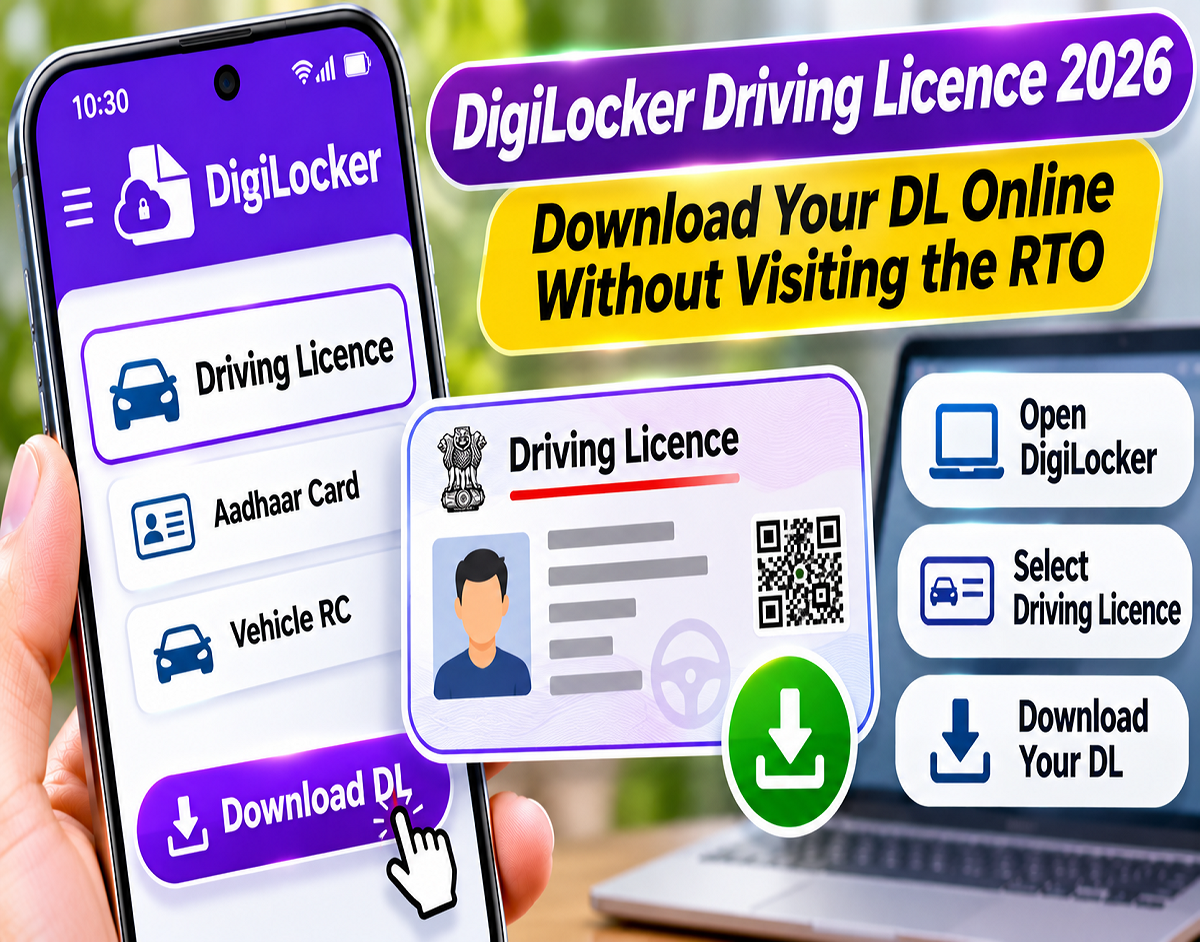
Driving Licence Download 2026: Need a digital copy of your driving licence but don't want to visit the Regional Transport Office (RTO)? The Government of India's DigiLocker platform offers a convenient way to access your driving licence online without submitting physical photocopies or visiting a transport office.
DigiLocker allows eligible users to retrieve officially issued digital documents from participating government departments. These include driving licences, vehicle registration certificates, educational marksheets and other important records.
The facility can be particularly useful if your physical driving licence has been lost, damaged or accidentally left at home.
However, successfully retrieving a driving licence through DigiLocker requires accurate information, including the driving licence number and relevant identity details.
Here is a complete guide explaining how to download your driving licence through DigiLocker, where to find the document and what to do if the system displays an error.
What Is DigiLocker and How Does It Work?
DigiLocker is a digital document platform operated under the Government of India's Ministry of Electronics and Information Technology (MeitY).
The service aims to make official documents accessible electronically and reduce dependence on physical paperwork.
Instead of storing only scanned copies, DigiLocker allows users to retrieve documents directly from participating issuing authorities.
For driving licences, the service connects with records associated with the Ministry of Road Transport and Highways (MoRTH).
When the relevant information is available and verification is successful, the digital driving licence can be added to the user's DigiLocker account.
Users can then access the document through the platform whenever required.
What Do You Need Before Downloading Your Driving Licence?
Before beginning the process, keep the following information ready.
1. Active mobile number
A working mobile number may be required for DigiLocker login and OTP verification. Aadhaar-based authentication may require access to the mobile number registered with Aadhaar.
2. Driving licence number
You must have your correct driving licence number. Enter it exactly as recorded in the transport department's database.
3. Correct name and date of birth
Your personal information should match the details maintained by the issuing authority.
Differences in spelling, surname or date of birth may prevent the system from retrieving your licence.
4. Internet connection
You need internet access to use DigiLocker and retrieve documents from the issuing authority's records.
How to Download Driving Licence From DigiLocker: Step-by-Step Guide
If you already have a valid driving licence, you can follow these steps to obtain its digital version.
How to Download CBSE APAAR ID Card on DigiLocker – Step-by-Step Guide
Step 1: Open DigiLocker
Visit the official DigiLocker website or open the official DigiLocker app on your Android phone or iPhone.
Step 2: Sign in to your account
Select Sign In and enter the required login credentials. New users must complete registration before accessing the service.
Step 3: Complete identity verification
Follow the available login process using your mobile number, Security PIN, OTP or supported Aadhaar verification method.
Step 4: Select Search Documents
After logging in, navigate to the Search Documents section, where documents from participating government departments are listed.
Step 5: Search for Driving Licence
Enter "Driving Licence" in the search field and select the relevant option associated with the Ministry of Road Transport and Highways.
Step 6: Enter your driving licence number
Provide your DL number and any additional information requested on the screen. Ensure the details match the issuing authority's records.
Step 7: Select Get Document
Tap Get Document to request your driving licence from the issuing authority's database.
Step 8: View or download your licence
Once the document is successfully retrieved, you can view it in DigiLocker. Where the download option is available, save a PDF copy to your device.
Where Can You Find Your Downloaded Driving Licence in DigiLocker?
After DigiLocker successfully retrieves your driving licence, it will generally appear in the Issued Documents section.
This section contains digital records provided by participating government departments.
Once your driving licence is available there, you may not need to enter your DL number every time you want to access it.
However, the document's availability depends on your DigiLocker account and the records maintained by the issuing authority.
Is a DigiLocker Driving Licence Legally Valid in India?
Yes. Driving licences officially issued through DigiLocker are recognized as electronic documents under applicable Indian rules.
A driving licence available in DigiLocker's Issued Documents section can be used in accordance with the relevant legal requirements.
However, there is an important difference between an officially issued DigiLocker document and an ordinary photograph of a driving licence saved in your phone's gallery.
An official DigiLocker document is linked to records maintained by the issuing authority.
A simple photograph or scanned copy does not automatically have the same verification status.
Therefore, users should access the official digital document rather than relying solely on a screenshot or an unrelated PDF.
DigiLocker Driving Licence Not Downloading? Check These Common Problems
Some users may encounter errors while attempting to retrieve their driving licence.
One common message is:
The details provided did not match the issuer data
This generally indicates that the information submitted through DigiLocker does not match the records maintained by the issuing authority.
If this happens, first check whether you have entered the driving licence number correctly.
Next, review your name, date of birth and other required details.
If the information is correct but the error continues, there may be a discrepancy in the issuing authority's records.
What Happens if Your Aadhaar and Driving Licence Names Do Not Match?
Differences between Aadhaar and driving licence records may create problems during digital document retrieval.
For example, your Aadhaar may contain your full name while your driving licence uses initials or a different surname.
Similarly, a spelling mistake or incorrect date of birth can prevent successful verification.
If DigiLocker cannot match the information, review the details recorded in both documents.
Where an official record contains an error, you may need to request a correction from the relevant authority.
Repeatedly entering different information into DigiLocker will not correct an error in the underlying government database.
How to Check Your Driving Licence Record on Parivahan
If DigiLocker cannot retrieve your driving licence even though your personal details appear correct, checking the transport department's database may help identify the problem.
The Ministry of Road Transport and Highways provides online services through the Parivahan portal.
Users can check the availability or status of driving licence records through the relevant service.
Check Driving Licence Status on Parivahan
If the driving licence record is unavailable or contains incorrect information, DigiLocker may not be able to retrieve it successfully.
In such cases, contact the relevant transport authority or official support service for assistance.
Can You Download Your Vehicle Registration Certificate Through DigiLocker?
Yes. DigiLocker also provides access to vehicle registration certificates, commonly known as RCs, when the relevant issuing authority's records are available.
Users can search for the appropriate vehicle registration document and follow the verification process.
If the RC cannot be retrieved, checking the relevant records through Parivahan's VAHAN services may help.
Having official digital copies of both your driving licence and registration certificate can make it easier to access essential vehicle documents when required.
DigiLocker Driving Licence Download: Common Errors and Solutions
| Problem | Possible Cause or Solution |
|---|---|
| OTP not received | Check the registered mobile number and network availability |
| DL number not accepted | Re-enter the number in the correct format |
| Details mismatch error | Verify name, date of birth and other information |
| Driving licence not found | Check record availability through Parivahan |
| PDF download unsuccessful | Check the browser, application and internet connection |
| Unable to sign in | Use DigiLocker's official account recovery options |
Is It Necessary to Visit the RTO to Download a Driving Licence?
Generally, no.
If your driving licence has already been issued and its record is available in the relevant government database, you can usually retrieve its digital version through DigiLocker without visiting the RTO.
However, an RTO visit or contact with the transport department may become necessary if the original record contains errors or is unavailable online.
It is also important to understand that DigiLocker is a service for accessing existing digital records.
Downloading an already issued driving licence is different from applying for a new licence.
New driving licence applications must follow the applicable transport department procedures.
Benefits of Keeping Your Driving Licence in DigiLocker
DigiLocker provides several advantages for motorists.
First, it allows users to access their officially issued driving licence electronically.
This can be useful when the physical card is unavailable, lost or left at home.
Second, documents retrieved from participating issuing authorities have a verifiable connection to official records.
Third, storing issued documents in DigiLocker can reduce the need to carry multiple physical copies for situations where electronic documents are accepted.
Finally, the platform provides a convenient way to manage several important records through one digital account.
Important Safety Tips While Using DigiLocker
Because DigiLocker contains important personal documents, users should protect their accounts carefully.
- Use only the official DigiLocker website or authorized mobile application.
- Never share your DigiLocker Security PIN with anyone.
- Enter OTPs only during legitimate verification processes.
- Update your registered mobile number when necessary.
- Avoid unfamiliar websites claiming to offer instant driving licence downloads.
- Verify that the information in your digital driving licence matches your official records.
- Sign out of DigiLocker when using a shared or public computer.
These precautions can help reduce the risk of unauthorized access to personal documents.
Frequently Asked Questions
1. Can I download my driving licence using DigiLocker without visiting the RTO?
Yes. If your existing licence is available in the issuing authority's database and verification succeeds, you can generally retrieve it online.
2. Is a DigiLocker driving licence accepted as a valid document?
An officially issued driving licence available through DigiLocker is recognized under applicable Indian rules.
3. What should I do if DigiLocker cannot find my driving licence?
Check your DL number and personal details. You can also review the record through the official Parivahan portal.
4. Can I download my driving licence as a PDF?
Where DigiLocker provides a download option, you can save a PDF copy of the retrieved document.
5. Can I use DigiLocker to apply for a new driving licence?
Retrieving an existing licence through DigiLocker is not the same as applying for a new licence. New applications follow the relevant transport authority's procedures.
Final Takeaway
DigiLocker provides a convenient way for Indian motorists to access their officially issued driving licences without visiting an RTO.
Users can sign in to DigiLocker, search for Driving Licence, enter their DL number and retrieve the document from the relevant government records.
Once available, the licence can generally be accessed through the Issued Documents section.
If the retrieval process fails, checking the DL number, personal information and Parivahan records may help identify the problem.
For secure access, always use the official DigiLocker platform and protect your login credentials.