Technology
WhatsApp Dual Account Trick 2026: Manage Personal and Work Chats on One Phone With These Easy Steps
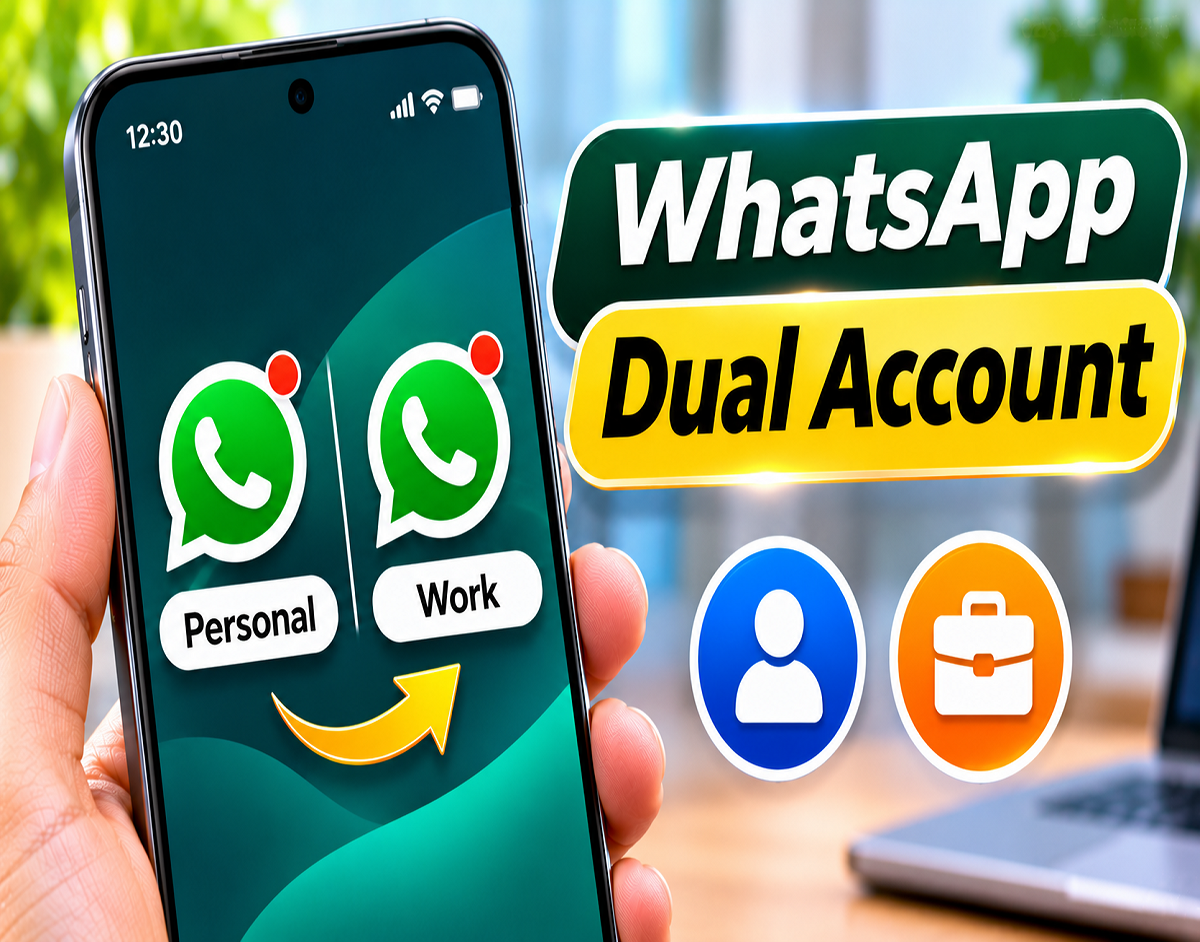
WhatsApp Dual Account Guide 2026: Carrying separate smartphones for personal messages and office conversations can be inconvenient. Fortunately, WhatsApp offers a built-in account management feature that makes it possible to operate two different WhatsApp numbers through a single compatible smartphone.
Whether you are a business owner communicating with customers, a professional handling office messages or someone who prefers keeping family conversations separate, this feature can make everyday communication more convenient.
The most interesting part is that you do not necessarily need to insert two physical SIM cards into the same phone. However, you must have two different mobile numbers and be able to complete the verification process for each account.
The feature is supported on compatible Android devices and is also available to supported iPhone users, although its availability and interface can vary.
Here is everything you need to know about setting up two WhatsApp accounts, managing notifications, protecting privacy and removing an account safely.
One Smartphone, Two WhatsApp Numbers: How the Feature Helps
WhatsApp has evolved from a personal messaging platform into an important communication tool for businesses, professionals and families.
Many users prefer keeping their work-related conversations separate from private discussions. Maintaining two accounts can help prevent business messages from getting mixed with family chats.
WhatsApp's account-switching functionality addresses this need without requiring users to repeatedly sign out and sign back in.
Each account can maintain its own conversations, profile photograph, About information and privacy preferences.
For example, a small business owner can use one number for customers and another for friends and relatives.
This arrangement can also make it easier to identify important notifications and organise communication.
Is a Second SIM Card Necessary for Another WhatsApp Account?
A common misunderstanding is that operating two WhatsApp accounts requires a dual-SIM smartphone.
In reality, WhatsApp registration requires two distinct phone numbers, but the second SIM does not always have to be physically installed in the device running the application.
Suppose your primary number is active in your smartphone while another number is operating on a different phone.
If the supported setup process allows it and you can receive the required verification code on the second number, you may be able to register that number as an additional WhatsApp account.
However, you must continue to control the number because WhatsApp may request verification again in the future.
Phones with dual-SIM or eSIM support can make the process easier, particularly when both numbers are used regularly.
Can the Same Number Be Registered Twice?
WhatsApp does not allow users to create two independent accounts using an identical phone number.
Every separate account requires its own registered number.
During registration, WhatsApp typically sends a six-digit verification code through an available verification method, such as SMS or a phone call.
Without access to the second number, the registration process cannot normally be completed.
WhatsApp's built-in multiple-account feature supports up to two accounts within the same compatible application.
Before You Begin: Check These Requirements
Users planning to activate another WhatsApp account should ensure that the second phone number is active and accessible.
The official WhatsApp application should also be updated to the latest version available for the device.
A working internet connection is needed during setup, and the user must be able to receive the verification code for the additional number.
Dual-SIM or eSIM functionality can simplify number management but is not always essential.
Importantly, users should avoid unofficial WhatsApp applications or modified APK files that promise additional account functionality.
Android Users: Activate Another WhatsApp Number in Minutes
On Android smartphones where the feature is supported, adding another account is relatively straightforward.
Follow these instructions:
- Launch the official WhatsApp application.
- Open the three-dot menu in the upper-right corner.
- Choose Settings.
- Locate the small downward arrow beside your profile information.
- Tap the arrow and select Add account.
- Choose Agree and continue.
- Select the appropriate country code.
- Enter the second mobile number.
- Continue to the verification screen.
- Provide the six-digit verification code received on that number.
- Enter the name you want to display on the new account.
- Add a profile picture and other details if desired.
Once verification is successful, the additional account becomes available within WhatsApp.
Users can then manage personal and professional conversations separately.
The appearance and placement of menu options may differ across application versions.
iPhone Users: How to Set Up an Additional WhatsApp Profile
WhatsApp's multiple-account functionality is also available on supported iPhones, although rollout and feature support can differ.
To check whether your iPhone supports it, open WhatsApp and visit Settings.
Look for the account selection control near your profile information.
If Add account appears, select it and enter the second mobile number.
Complete the required verification and configure the account profile.
Once the process is finished, the second account can be accessed through the account selector.
Some secondary-account features may be restricted depending on the WhatsApp version. Certain payment-related options, for instance, may not be available in every supported configuration.
If the feature is missing, check for an update through the Apple App Store.
How to Move Between Personal and Office Chats Without Logging Out
The biggest convenience of WhatsApp's dual-account functionality is quick account switching.
Android users can generally open the three-dot menu and select Switch accounts.
On supported iPhones, users can open Settings and choose the required account through the profile-area account selector.
This means there is no need to repeatedly enter mobile numbers or verification codes simply to access another registered account.
Each account retains its own messages and settings.
What Happens When Someone Messages Your Other Account?
You do not necessarily have to keep the second account open to receive information about new messages.
WhatsApp can display notifications from the account that is not currently active.
For example, while reading messages on your personal account, you may receive an alert about a customer message sent to your professional number.
You can then switch accounts to open the relevant conversation.
Incoming calls on the secondary account may also generate notifications, although responding can require switching to that account.
Actual notification behaviour depends on device permissions, operating-system settings and application support.
Keep Your Two WhatsApp Profiles Completely Separate
WhatsApp allows users to configure important account preferences independently.
This includes profile photographs, About descriptions, privacy controls and notification settings.
A professional account might display a business-related photograph, while a personal account could use a family picture.
Users can also adjust notification preferences to make incoming messages easier to distinguish.
It is worth reviewing the privacy settings of both accounts individually rather than assuming that changes made to one account automatically apply to the other.
Can't Find the Add Account Button? Try These Fixes
If WhatsApp does not display the option to add another account, the first step is to check for application updates.
Android users should visit the Google Play Store, while iPhone users can use the Apple App Store.
Install any available official WhatsApp update and restart the application.
If necessary, restart the smartphone and check the settings again.
Also ensure that the device has a stable internet connection.
However, if the option still does not appear, the feature may not be available for that particular device, platform or application version.
Installing an unofficial WhatsApp clone is not a recommended solution.
Want to Stop Using the Second Account? Remove It Carefully
Users may eventually decide that they no longer need an additional WhatsApp account on their smartphone.
Where supported, WhatsApp provides a Remove account option that allows the account to be removed from the device.
The general procedure is:
- Switch to the account you want to remove.
- Open WhatsApp Settings.
- Select Account.
- Choose Remove account if available.
- Review the information displayed.
- Back up important chats before proceeding.
- Confirm the removal.
Removing an account from a phone does not necessarily mean permanently closing the WhatsApp account.
Group memberships and other account-related information can remain associated with the registered number.
However, locally stored conversations without a usable backup may be lost.
Removing an account from its primary device may also affect connected companion devices.
Removing an Account and Permanently Deleting It Are Different Actions
Users should understand the distinction between these two options before making changes.
| Action | What It Means |
|---|---|
| Remove account | Removes the selected account from the current device |
| Delete account | Permanently closes the WhatsApp account |
| Group memberships after removal | Generally remain associated with the account |
| Group memberships after deletion | The account leaves its groups |
| Chats after removal | Unbacked-up local data may be lost |
| Chats after deletion | Account message history is deleted |
To permanently close an account, users must select the Delete account option in WhatsApp's Account settings and complete the required confirmation.
This action can affect message history, group memberships, backups and other account-related information.
Therefore, permanent deletion should not be confused with simply removing an account from a smartphone.
Can You Add a Third or Fourth WhatsApp Number?
The standard WhatsApp multiple-account functionality described here supports two accounts within one compatible application.
Some websites advertise modified messaging applications that promise support for three, four or even more accounts.
However, users should be cautious about such claims.
Unofficial applications may introduce security risks, request unnecessary permissions or compromise the privacy of personal conversations.
The safest approach is to use officially supported WhatsApp functionality and download applications only from trusted sources.
Essential Security Tips for Dual WhatsApp Users
Managing two messaging accounts also means protecting two separate sets of conversations.
Users should activate available account security features, including two-step verification.
Never share a six-digit WhatsApp registration code with another person, even if they claim to represent WhatsApp support.
Review linked devices periodically and remove any device you no longer recognise or use.
Important conversations should be backed up regularly, particularly before removing an account or changing smartphones.
Users should also ensure that both registered phone numbers remain under their control.
Final Takeaway
WhatsApp's built-in multiple-account feature offers a convenient solution for people who want to manage professional and personal conversations without carrying two smartphones.
A separate active phone number is necessary for each account, but a second physical SIM does not always need to be installed in the same device.
Supported Android and iPhone users can switch between accounts, receive notifications and maintain independent privacy settings.
Before activating the feature, check that your application supports it and that you can verify the second number.
Using the official WhatsApp application and maintaining secure backups can help make dual-account messaging more convenient and reliable.