Technology
WhatsApp Tech Tips: Tired of Spam and Unknown Calls? Turn On This Privacy Setting for a Quieter Experience

WhatsApp's 'Silence Unknown Callers' feature helps reduce unwanted interruptions without blocking important calls
WhatsApp Tech Tips: Unwanted calls from unknown numbers can be frustrating, especially when they interrupt your work or personal time. To help users manage such calls, WhatsApp offers a built-in privacy feature called Silence Unknown Callers.
Instead of blocking unfamiliar numbers completely, this feature automatically silences calls from people who are not saved in your contact list. The calls won't ring on your phone, but they'll still appear in your call log and notifications, allowing you to review or return the call later if needed.
What Is the 'Silence Unknown Callers' Feature?
The Silence Unknown Callers option is designed to reduce spam, scam, and unsolicited calls while ensuring you don't miss potentially important communications.
When enabled:
- Calls from unknown numbers are silenced automatically.
- The caller is not blocked.
- The call still appears in your WhatsApp call history.
- Notifications remain available for missed calls.
- You can return the call later if you recognize the number.
This makes the feature useful for users who frequently receive promotional, spam, or suspicious WhatsApp calls.
How to Enable Silence Unknown Callers on WhatsApp
Follow these simple steps to activate the feature:
- Open WhatsApp on your smartphone.
- Tap the three-dot menu in the top-right corner (Android) or open Settings on iPhone.
- Go to Settings.
- Select Privacy.
- Scroll down and tap Calls.
- Turn on the toggle next to Silence Unknown Callers.
Once enabled, WhatsApp will automatically mute calls from numbers that are not saved in your contacts.
Why You Should Use This Feature
Enabling this privacy setting offers several benefits:
- Reduces interruptions from spam callers.
- Helps protect against scam and fraudulent calls.
- Keeps your phone from ringing unnecessarily.
- Maintains a record of missed calls for later review.
- Allows genuine callers to remain visible without disturbing you.
Will Unknown Calls Be Blocked?
No. The feature does not block unknown callers.
Instead, WhatsApp simply prevents your phone from ringing when an unsaved number calls. The call is still recorded in your recent calls list, so you can check it whenever it's convenient.
This ensures that you remain aware of incoming calls while minimizing unnecessary distractions.
Additional WhatsApp Privacy Tips
To improve your privacy and security on WhatsApp, consider enabling these features as well:
- Two-step verification
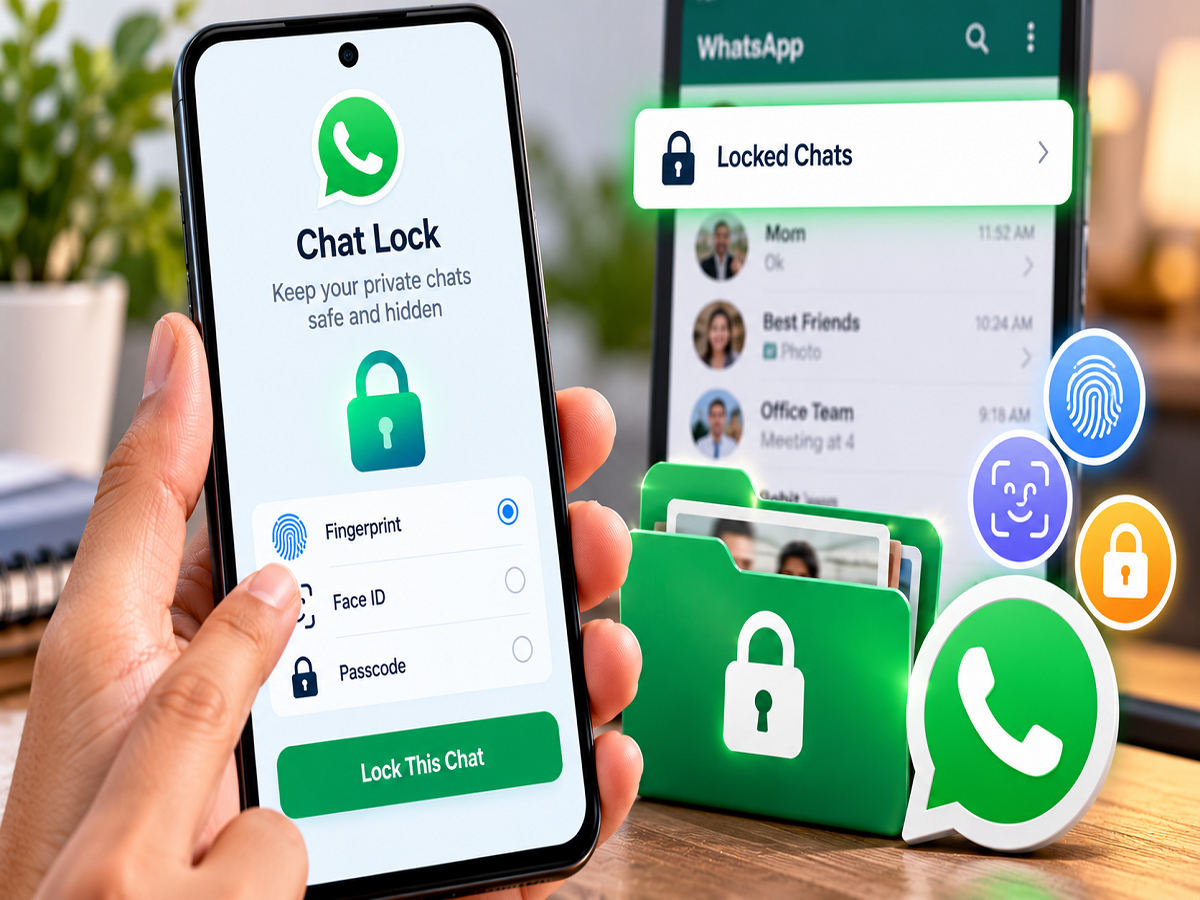
- Fingerprint or Face ID app lock
- End-to-end encrypted chat backups
- Privacy controls for Last Seen, Profile Photo, and Status
- Spam reporting and blocking options
Using these settings together can help create a safer and more secure messaging experience.
A Simple Setting That Makes a Big Difference
If unknown WhatsApp calls have become a regular nuisance, enabling Silence Unknown Callers is one of the easiest ways to reduce unwanted interruptions. Since the feature keeps missed calls in your history without letting them disturb you, it offers a practical balance between convenience and privacy.
Disclaimer: Feature availability may vary depending on your WhatsApp version, device model, and operating system. Make sure you're using the latest version of the app to access all available privacy features.