Technology
WhatsApp and Google Login Security Alert: How Hackers Exploit Trusted Sign-Ins and How to Stay Safe
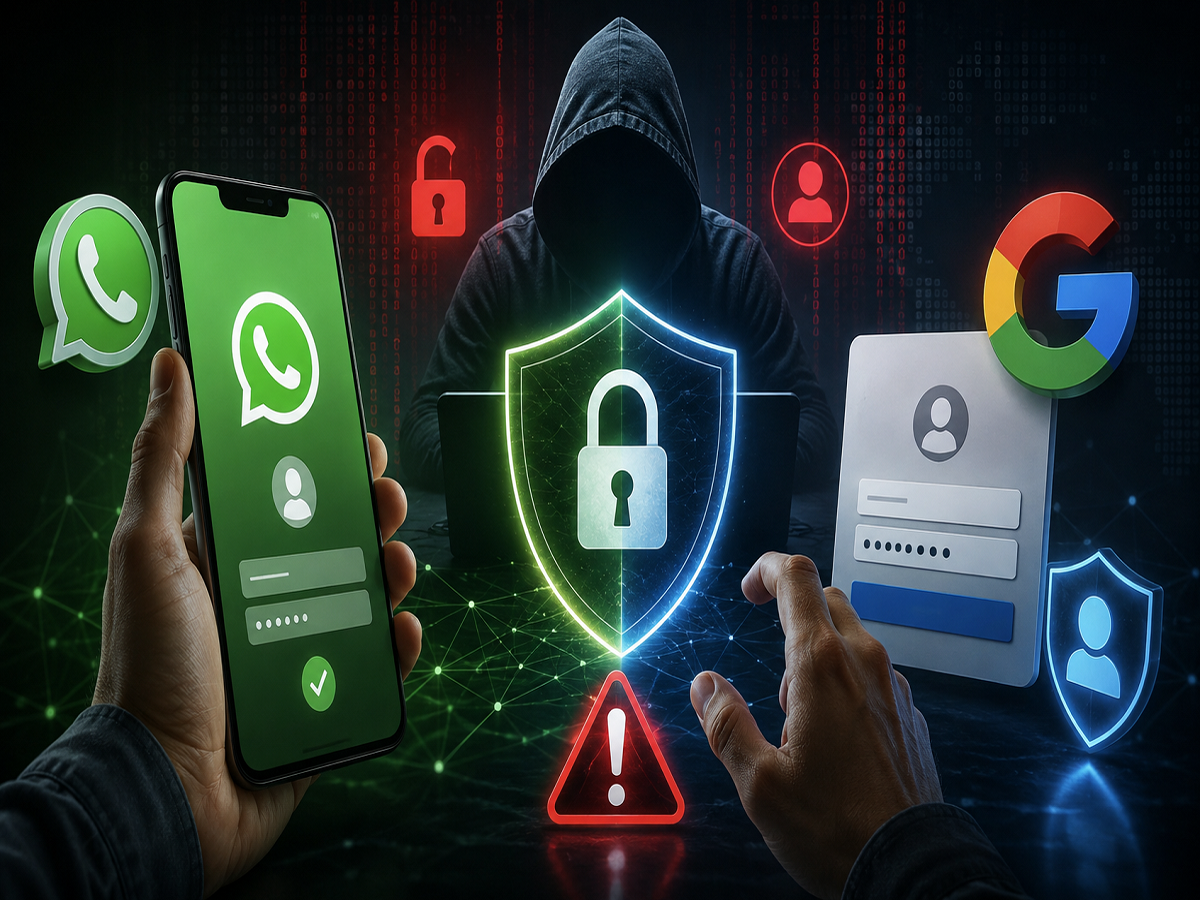
WhatsApp and Google sign-in services have become a routine part of everyday digital life. From accessing online accounts and opening shared files to connecting apps and communicating with colleagues, millions of people rely on these services because they are familiar and convenient. However, cybercriminals are increasingly attempting to turn that familiarity into an advantage.
A growing security concern involves attackers exploiting legitimate authentication systems rather than simply creating obviously fake login pages. In some campaigns, victims may even be directed to genuine Google authentication screens, making it considerably harder to recognise that something suspicious is happening.
According to findings highlighted by Google's Threat Intelligence Group (GTIG), suspected Russian cyber-espionage groups identified as UNC6293, UNC7005 and UNC5976 have been linked to campaigns targeting people associated with government organisations, defence, aerospace, academia and think tanks in Europe and the United States.
The techniques underline an important lesson for internet users: seeing a familiar Google or WhatsApp interface does not automatically mean that the entire process is trustworthy.
How Attackers Can Misuse Google Login
Traditional phishing attacks usually involve a fake website designed to resemble the login page of a popular service. Victims enter their username and password, unknowingly handing those credentials to an attacker.
OAuth-based attacks can work differently.
In some campaigns associated with UNC5976, targets were reportedly directed through an authentication process involving a legitimate Google login page. This can make the interaction appear safer because users recognise Google's interface and domain.
The danger may arise from what happens around or after the authentication process.
Attackers can attempt to use cloud infrastructure or projects under their control to obtain authentication tokens or authorisation that could potentially provide access to a victim's account or associated information.
UNC7005 has also reportedly used deceptive domains and cloud infrastructure as part of campaigns that directed targets towards genuine Google OAuth authentication before attempting to capture authentication-related information.
This approach can be particularly convincing because users have long been advised to check whether a login page is genuine. While that remains important, users now also need to consider who initiated the login request, which application is requesting access and what permissions they are being asked to approve.
WhatsApp Device Linking Can Also Be Abused
Google accounts are not the only target. Attackers are also attempting to exploit WhatsApp's device-linking functionality.
WhatsApp allows users to connect their account to additional supported devices. It is a useful feature when used intentionally, but criminals may try to trick victims into linking an attacker-controlled device.
A potential scam could begin with an invitation to join a supposedly secure conversation, confidential voice call, document-sharing service or encrypted communication platform.
The victim may then be asked to provide a phone number and scan a QR code or enter a linking code. If the instructions result in an unknown device being linked to the victim's WhatsApp account, the attacker could potentially gain access to account activity available through that linked session.
This may expose private conversations and could allow criminals to misuse the account to communicate with other people while appearing to be the genuine user.
Fraudulent websites may make the process appear legitimate by displaying options such as encrypted messaging, secure calls or file downloads.
Why These Attacks Can Be Difficult to Spot
The biggest challenge with these campaigns is that attackers may combine legitimate services with deceptive instructions.
A Google authentication page, for example, may genuinely belong to Google. The QR code displayed as part of a WhatsApp-related interaction may also trigger an actual device-linking process.
The scam therefore depends heavily on persuading the victim to authorise something they did not intend to authorise.
Users should pay attention to the entire sequence rather than judging safety only by the appearance of a login screen.
Unexpected requests involving account authentication, device linking, QR codes, confidential documents or urgent security verification should always be treated carefully.
How to Protect Your WhatsApp Account
Several built-in security features can reduce the risk of account misuse.
Enable WhatsApp's two-step verification feature to add another layer of protection to the account. Users can also take advantage of passkeys where available, allowing authentication through supported device security methods such as fingerprint recognition, facial recognition or the phone's screen lock.
Never share a WhatsApp verification code with another person. Similarly, do not approve an unfamiliar device-linking request simply because someone claims it is necessary to access a document, join a meeting or participate in a secure conversation.
Users should periodically review devices connected to their WhatsApp account and remove anything they do not recognise.
WhatsApp's privacy and safety features, including Privacy Checkup, blocking and reporting suspicious accounts and silencing calls from unknown numbers, can provide additional protection against unwanted interactions.
Be Extra Careful With Google OAuth Requests
Users should also reconsider the assumption that reaching a genuine Google login page automatically makes a request safe.
Before signing in, check where the request originated and whether you actually initiated it. Pay attention to the application requesting access and carefully review any permissions displayed during the authorisation process.
An unexpected email, message or website asking you to sign in with Google should raise caution, particularly when it involves confidential files, urgent account verification or unfamiliar services.
Avoid starting sensitive login processes through links received from unknown or unverified sources. When possible, open the service directly through its official website or trusted application instead.
A Genuine Login Screen Does Not Guarantee a Safe Request
Modern phishing campaigns are becoming more sophisticated because attackers increasingly attempt to exploit legitimate technology rather than relying entirely on poorly designed fake websites.
Google OAuth and WhatsApp device linking are legitimate and useful features. The risk emerges when criminals manipulate users into granting access, approving authentication requests or connecting devices they do not recognise.
The safest approach is to verify not only the login page but also the person, website or application that initiated the request. Unexpected QR codes, device-linking prompts, OAuth permissions and verification requests should never be approved without understanding exactly what they will do.
A few seconds spent checking a request before approving it can prevent an attacker from turning a trusted digital feature into an entry point for account compromise.