WhatsApp Tips: WhatsApp offers several built-in security and privacy features that can help protect your account and personal conversations. If you haven't explored these settings yet, enabling them can significantly improve your privacy and reduce the risk of unauthorized access.
With billions of users worldwide, WhatsApp remains one of the most popular messaging apps. As more personal conversations, photos, and documents are shared through the platform, securing your account has become increasingly important.
Fortunately, WhatsApp includes a range of security tools that are easy to enable and can help keep your chats and personal information safe. Here are five important features every user should know about.
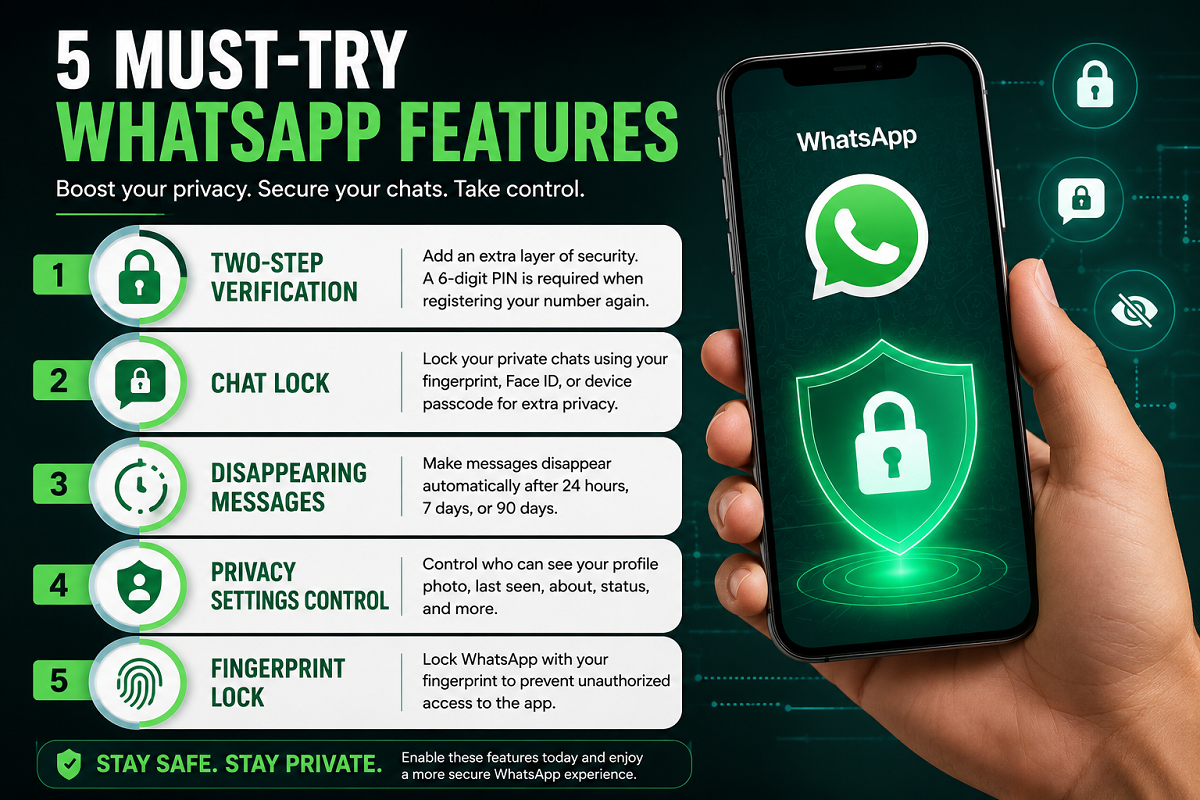
1. Two-Step Verification
Two-Step Verification adds an extra layer of protection to your WhatsApp account.
Once enabled, anyone attempting to register your WhatsApp number on a new device must enter a six-digit PIN that you created. This helps prevent unauthorized access, even if someone obtains your SIM card or verification code.
How it helps:
- Adds extra account security.
- Protects against unauthorized logins.
- Makes account hijacking more difficult.
2. Chat Lock
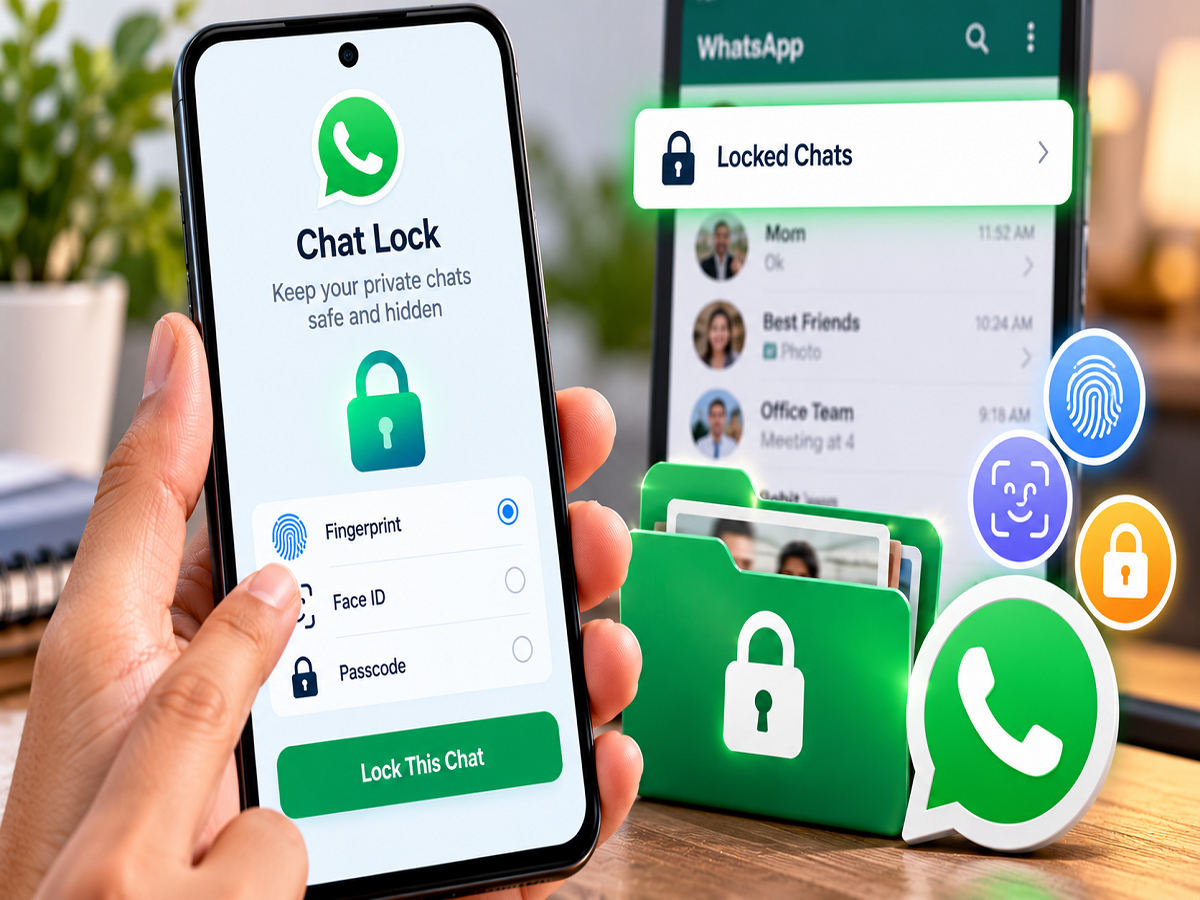
If you have conversations that you want to keep private, Chat Lock is a useful feature.
It allows you to lock selected chats using your phone's fingerprint, Face ID, or device passcode. Locked conversations are stored in a separate folder, adding another level of privacy.
Benefits:
- Protects personal conversations.
- Prevents others from reading sensitive chats.
- Uses your device's biometric security.
3. Disappearing Messages
WhatsApp's Disappearing Messages feature automatically deletes messages after a selected period.
You can choose from:
- 24 hours
- 7 days
- 90 days
This feature is useful for conversations that don't need to remain permanently in your chat history.
Benefits:
- Reduces chat clutter.
- Improves privacy.
- Automatically removes old messages.
4. Privacy Settings Control
WhatsApp gives users detailed control over who can see their personal information.
You can decide who can view your:
- Profile photo
- Last Seen
- Online status
- About section
- Status updates
You can choose to share this information with Everyone, My Contacts, My Contacts Except..., or Nobody, depending on the setting.
Benefits:
- Gives greater control over personal information.
- Helps reduce unwanted attention from unknown users.
- Improves overall privacy.
5. Fingerprint Lock
Even if someone unlocks your smartphone, you can add another layer of security by enabling Fingerprint Lock (or Face ID on supported devices).
With this feature turned on, WhatsApp requires biometric authentication before the app can be opened.
Benefits:
- Prevents unauthorized access to WhatsApp.
- Protects messages if someone uses your phone.
- Adds an extra level of device security.
Why These Features Matter
Cyber threats, phishing attempts, and unauthorized account access continue to be concerns for messaging app users. Enabling WhatsApp's built-in security tools can help safeguard your account without requiring any additional apps.
Taking a few minutes to configure these settings can significantly improve the privacy of your chats and reduce the chances of your account being misused.
Final Tip
For the best protection, combine Two-Step Verification, Fingerprint Lock, and carefully configured Privacy Settings. Also, keep WhatsApp updated to the latest version so you receive the newest security improvements and features as they become available.