Technology
Mobile Security Tips 2026: 6 Essential Apps to Protect Your Phone, Personal Data and Bank Accounts
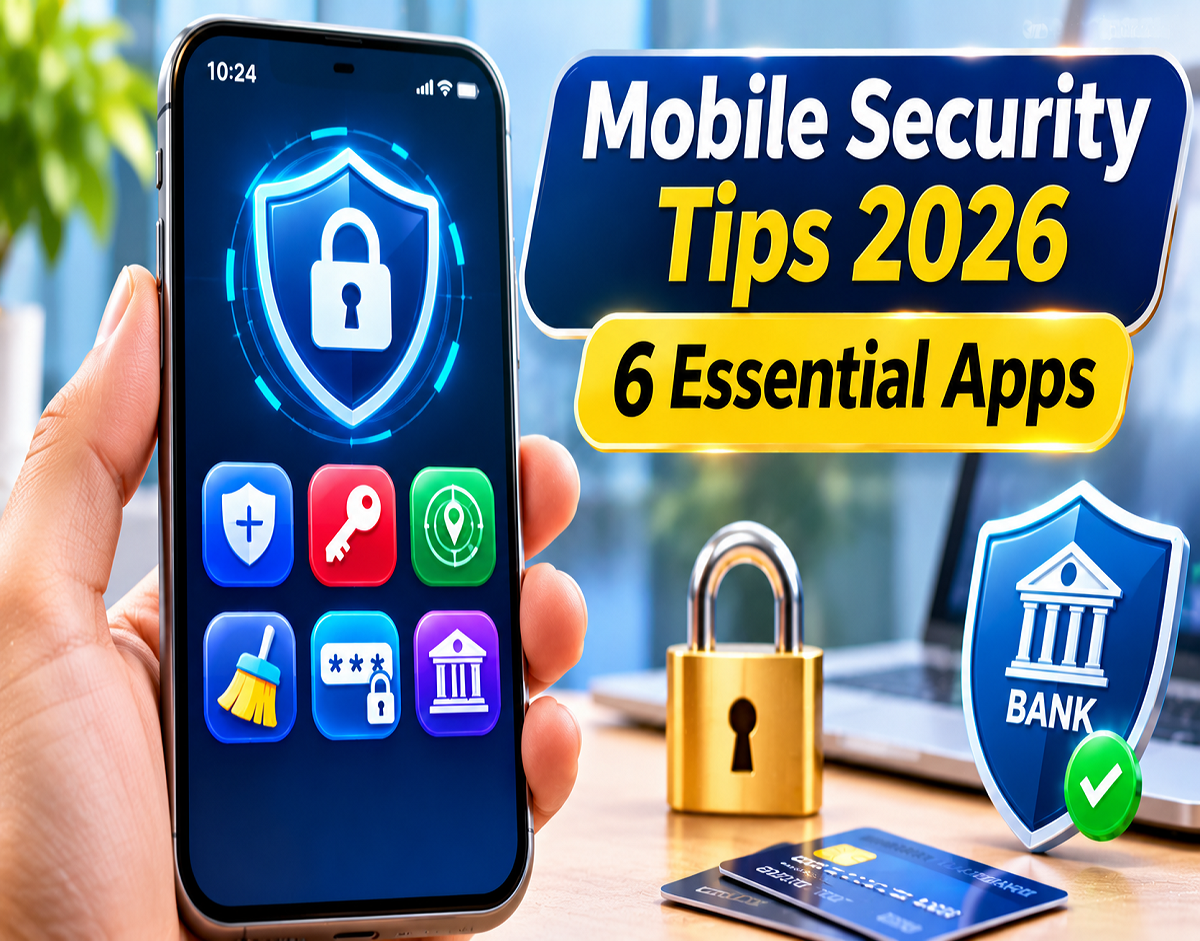
Mobile Security Apps 2026: Smartphones have become an essential part of everyday life, storing everything from personal photographs and confidential documents to banking details, emails and social media accounts. However, increasing dependence on mobile devices has also created new opportunities for cybercriminals to steal sensitive information through phishing links, malicious applications, fake websites and online scams.
Many smartphone users believe that setting a strong screen lock, PIN or fingerprint authentication is enough to protect their information. While these features provide an important layer of security, they cannot prevent every type of cyberattack.
For example, if someone unknowingly enters their banking credentials on a fraudulent website, a screen lock cannot stop those details from being stolen.
Fortunately, several mobile applications offer additional security features that help users protect their passwords, private conversations, online accounts and browsing activities.
Here are six useful security applications Android and iPhone users can consider in 2026.
1. Signal: Protect Your Private Messages and Calls
Signal is a privacy-focused messaging application designed to keep personal conversations secure.
Its most important feature is end-to-end encryption, which protects the contents of messages and calls so that only the intended participants can access them.
The application supports individual messaging, group conversations, voice calls, video calls and file sharing.
Signal also offers disappearing messages, allowing users to configure messages to disappear after a selected period.
Unlike many commercial communication platforms, Signal is open-source and operated by a nonprofit organisation.
However, users should remember that encrypted messaging cannot prevent the recipient from taking screenshots, copying information or sharing conversations outside the application.
Best for: People who want greater privacy when communicating with family, friends and colleagues.
2. Bitwarden: Store Passwords Securely and Avoid Reusing Them
Managing passwords for multiple online accounts can be difficult.
Most smartphone users regularly access banking platforms, shopping websites, email accounts, social networks and other digital services.
Remembering a unique password for every account is challenging, which often encourages people to reuse the same password across different platforms.
Unfortunately, password reuse can increase the risk of account compromise if one website experiences a data breach.
Bitwarden helps address this problem by allowing users to securely store and organise their login credentials.
The application can generate strong passwords and automatically fill login information on supported websites and applications.
Its free plan includes password storage and synchronisation across supported devices, while paid subscriptions provide additional features.
Users should protect their password vault with a strong master password and enable multifactor authentication wherever possible.
Best for: People managing several online accounts who want to improve password security.
3. Proton VPN: Add Privacy Protection When Using Public Wi-Fi
Free Wi-Fi networks are commonly available at airports, railway stations, hotels, shopping centres and cafes.
Although convenient, unfamiliar networks may expose users to additional privacy and security risks.
Proton VPN provides an encrypted connection between the user's device and a VPN server, helping reduce the exposure of internet traffic to local network observers.
It also masks the user's public IP address from websites by routing traffic through a VPN server.
The application includes security features such as Kill Switch and DNS leak protection, depending on the device and configuration.
Proton VPN offers a free plan without a monthly data cap, although server selection and certain features are restricted.
Paid plans provide access to additional servers and functionality.
Importantly, a VPN does not guarantee protection against phishing websites, malicious downloads or financial scams.
Best for: Users who frequently connect to public Wi-Fi or want additional privacy while browsing.
4. DuckDuckGo: Reduce Online Tracking While Browsing
Have you ever searched for a product online and then noticed advertisements for similar products appearing across different websites?
Online tracking technologies can contribute to this experience.
DuckDuckGo is a privacy-oriented web browser that offers tools designed to reduce tracking and improve browsing privacy.
The browser blocks many third-party trackers and provides private search functionality.
It also includes features for managing cookie consent pop-ups and reducing unnecessary data collection.
One of its notable features is the Fire Button, which allows users to clear browsing data quickly.
The Fireproof feature can preserve selected website data when users clear other browsing information.
DuckDuckGo's browser is available for free, while certain additional privacy services may require a subscription.
Although it can reduce tracking, no browser can completely eliminate all online privacy risks.
Best for: Users who want to limit advertising trackers and maintain greater control over their browsing information.
5. 2FAS Authenticator: Add an Extra Security Layer to Online Accounts
A strong password is important, but it may not be enough if cybercriminals obtain that password through phishing or a data breach.
Two-factor authentication, commonly known as 2FA, provides an additional verification step during login.
2FAS Authenticator is an application that generates temporary verification codes for compatible online accounts.
These codes typically change every 30 seconds.
When two-factor authentication is enabled, users must provide both their password and the temporary code when signing in, unless another approved authentication method is used.
This makes unauthorised account access more difficult, even if someone knows the password.
The application is free and open-source, and it can generate authentication codes without an active internet connection.
Users should securely store their account recovery codes so they can regain access if their smartphone is lost, damaged or replaced.
It is also worth remembering that authentication codes can still be stolen through sophisticated phishing attacks.
Best for: People who want additional login protection for email, social media and other compatible accounts.
6. Malwarebytes: Identify Malicious Apps and Suspicious Websites
Cybercriminals frequently use fake banking alerts, fraudulent delivery messages and misleading promotional links to trick smartphone users.
Some attacks attempt to persuade people to install harmful applications, while others redirect users to websites designed to steal passwords or financial information.
Malwarebytes offers mobile security tools intended to reduce exposure to certain malware, scams and unsafe websites.
On Android devices, available features include malware detection, application scanning and web-related protection, depending on the product version and subscription.
The iPhone version offers a different range of features because Apple's operating system restricts the level of access available to third-party security applications.
As a result, conventional antivirus applications cannot scan an entire iPhone in the same way that security applications may scan Android devices.
Certain Malwarebytes mobile features are available through paid subscriptions.
Best for: Users seeking additional protection against suspicious applications, malicious websites and selected online scams.
Mobile Security Apps 2026: Features and Pricing Compared
| Application | Primary Purpose | Pricing |
|---|---|---|
| Signal | Encrypted messaging and calls | Free |
| Bitwarden | Password storage and management | Free and paid plans |
| Proton VPN | Internet connection privacy | Free and paid plans |
| DuckDuckGo | Private browsing and tracker blocking | Free browser; optional paid services |
| 2FAS Authenticator | Two-factor authentication | Free |
| Malwarebytes | Malware and scam protection | Free download; paid features |
These applications are available through their respective official websites and supported app stores. Features, compatibility and subscription prices may vary depending on the operating system, region and product version.
Do You Need to Install All Six Security Apps?
Installing every security application is not necessary for most smartphone users.
The right combination depends on individual security requirements and online habits.
For example, people who manage numerous accounts may benefit most from using a password manager such as Bitwarden alongside a two-factor authentication application such as 2FAS.
Users concerned about private communication may prefer Signal, while DuckDuckGo can help reduce certain forms of online tracking.
Proton VPN may be useful for people who regularly access unfamiliar Wi-Fi networks.
Similarly, Malwarebytes may provide additional protection for users concerned about malicious software and suspicious websites.
Before installing any security application, users should check whether their device already includes comparable built-in protection.
Six Important Habits to Protect Your Phone From Cyber Fraud
Even the best security applications cannot replace responsible online behaviour.
Following these precautions can help reduce the risk of cybercrime:
- Keep your smartphone updated: Install operating system and application security updates regularly.
- Avoid suspicious downloads: Install applications from official app stores or trusted developer websites.
- Never share confidential banking details: Keep passwords, PINs, OTPs and recovery codes private.
- Review app permissions: Check whether applications genuinely require access to your camera, microphone, contacts or location.
- Use unique passwords: Avoid using the same password across banking, email and social media accounts.
- Verify suspicious messages: Do not open unfamiliar links or provide personal information without checking the sender and website.
Indian users who become victims of financial cyber fraud can report incidents through the National Cyber Crime Reporting Portal at cybercrime.gov.in or call the national cybercrime helpline at 1930.
Reporting suspected financial fraud quickly may improve the chances of stopping or tracing fraudulent transactions, although recovery is not guaranteed.
Conclusion
Protecting personal information and financial accounts has become an essential responsibility for smartphone users in 2026.
Applications such as Signal, Bitwarden, Proton VPN, DuckDuckGo, 2FAS Authenticator and Malwarebytes provide different tools for improving digital privacy and security.
However, no single application can guarantee complete protection against cybercriminals.
Combining reliable security tools with strong passwords, two-factor authentication, regular software updates and careful online behaviour offers a more practical approach to smartphone security.