Technology
Instagram Reels and YouTube Shorts: How to Create Videos in Minutes Using Ready-Made Templates
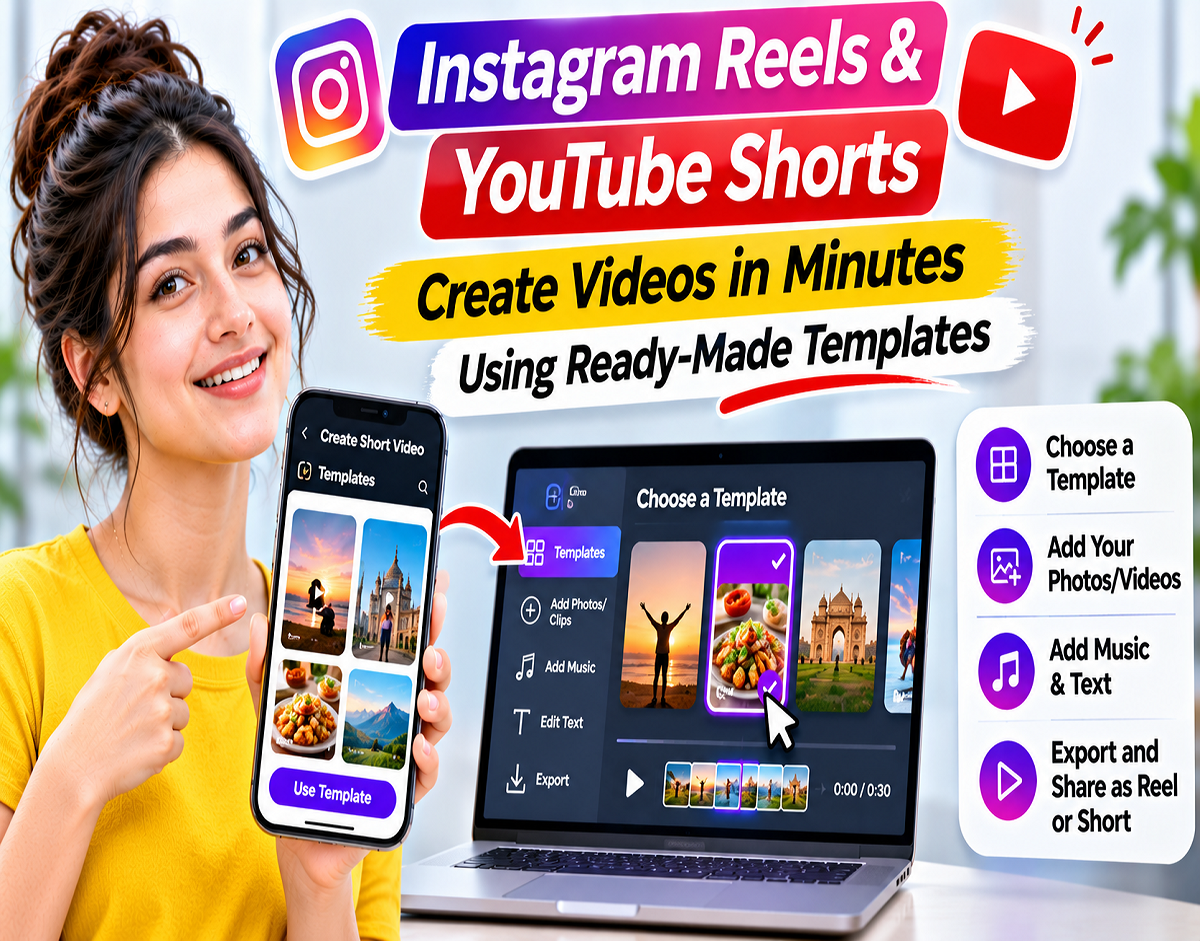
Instagram Reels and YouTube Shorts Templates Guide 2026: Want to create attractive short videos without spending hours on editing? Instagram and YouTube offer template-based creation features that can make the process much easier. These ready-made formats help users arrange photos and video clips using predefined timing, music and editing patterns, reducing the need to build every video from scratch.
Short-form videos have become an important part of social media. From travel and food to fashion, fitness, technology and daily lifestyle content, creators regularly publish Reels and Shorts to connect with their audiences.
However, producing engaging videos requires more than simply recording footage. Creators often need to select clips, adjust their duration, match transitions with music and ensure the finished video looks polished.
For beginners, these editing tasks can be time-consuming.
Video templates offer a convenient solution by providing a prearranged structure that users can customise with their own content.
Here is a complete guide explaining how to use templates on Instagram and YouTube, along with alternative editing applications and practical tips for creating better short videos.
What Are Video Templates and How Do They Work?
A video template is a pre-designed editing format that provides a basic structure for creating videos.
Depending on the platform, templates may include predefined clip durations, music, transitions and other editing elements.
For example, imagine watching a travel Reel that shows five destinations, with each scene changing according to the beat of a song.
Instead of manually recreating the same timing, you may be able to select the template and replace the original clips with your own travel footage.
The template helps maintain the editing pattern while allowing you to personalise the video.
This can save time, especially when creating content regularly.
However, the level of customisation depends on the application and the specific template.
How to Create Instagram Reels Using Templates
Instagram provides built-in template features that help users create Reels using existing editing formats.
The exact menu layout may vary depending on your Instagram app version.
Follow these steps:
Step 1: Open the Instagram application on your smartphone.
Step 2: Tap the plus (+) icon to begin creating content.
Step 3: Select the Reel option.
Step 4: Look for the Templates section in the available creation interface.
Step 5: Browse the available templates and choose one that matches your preferred style.
Step 6: Tap Add Media or the equivalent option.
Step 7: Select photos and videos from your phone's gallery.
Step 8: Arrange the clips in the required slots and continue to the preview screen.
Step 9: Review the video and make any available adjustments.
Step 10: Add a caption, text or other supported elements before publishing your Reel.
The template can help handle parts of the clip timing and editing structure automatically.
However, users should still review the finished video to ensure that important content is not cropped or displayed too briefly.
How to Use a Template From Another Instagram Reel
Sometimes you may come across an Instagram Reel with an editing style that you want to recreate using your own footage.
Instagram allows eligible Reels to be used as templates.
Here's how:
- Open Instagram and find the Reel you like.
- Look for the Use Template option associated with the video.
- Tap the option if it is available.
- Select your own photos or video clips.
- Add the media to the available template slots.
- Review the automatically arranged sequence.
- Make any permitted edits and publish your Reel.
This method can be useful for creating videos with music-synchronised transitions or a specific sequence of shots.
However, not every Instagram Reel supports template reuse.
Availability depends on the original video's structure, audio and other platform requirements.
How to Create YouTube Shorts Using Video Templates
YouTube also provides template-based creation tools for eligible Shorts.
The process differs slightly from Instagram because users can begin with an existing Short that supports template reuse.
Follow these steps:
Step 1: Open the YouTube application on your smartphone.
Step 2: Navigate to the Shorts section.
Step 3: Find a Short with an editing format you would like to use.
Step 4: Tap the Remix option, where available.
Step 5: Select Use this template if the option appears.
Step 6: Add your own video clips to the template's available slots.
Step 7: Review the clip order and timing.
Step 8: Make any supported editing changes.
Step 9: Add your title and other relevant details.
Step 10: Upload your finished Short.
Some eligible Shorts may also display a template option directly.
YouTube templates can preserve certain structural elements of the original Short, such as clip duration and arrangement.
The platform may also provide attribution to the original creator.
However, template availability depends on the original video's eligibility and applicable remix permissions.
Instagram Reels vs YouTube Shorts Templates: Key Differences
| Feature | Instagram Reels | YouTube Shorts |
|---|---|---|
| Template access | Templates section and eligible Reels | Eligible Shorts through Remix or template options |
| Add personal media | Yes | Yes |
| Predefined clip timing | Available in supported templates | Available in supported templates |
| Music-based editing | Supported where available | Supported where available |
| Original creator attribution | Depends on platform features | May be provided for reused templates |
| Availability | Not every Reel qualifies | Not every Short qualifies |
Both platforms aim to simplify short-video creation, but their editing interfaces and available tools may differ.
Other Apps That Can Help You Create Reels and Shorts
Apart from Instagram and YouTube, several editing applications provide tools for creating vertical videos.
Two popular options are Meta Edits and Canva.
| App | Main Features | Best For |
|---|---|---|
| Built-in Reel templates, music and clip timing | Quick Instagram Reels | |
| YouTube | Shorts templates and remix features | Creating YouTube Shorts |
| Meta Edits | Video editing, text, transitions and creative tools | More control over editing |
| Canva | Ready-made designs, animations and graphics | Promotional and branded videos |
Some features may be free, while others may require a paid subscription or premium access.
What Are the Benefits of Meta Edits for Video Creators?
Edits is a video editing application developed by Meta for creators who want more control over their short-form content.
Unlike basic template-based workflows, Edits provides tools for arranging clips, adding text, managing transitions and working with audio.
Creators can use these features to develop more customised videos.
The app also supports exporting videos without an additional Edits watermark, according to Meta's published feature information.
This can be helpful for creators who publish original videos across multiple social media platforms.
However, editing options and supported export features may change with application updates.
How to Make Instagram Reels and YouTube Shorts Using Canva
Canva is another option for users who prefer ready-made video layouts.
It offers templates suitable for promotional videos, educational content, product demonstrations, travel clips and other social media posts.
To create a short video using Canva, follow these steps:
- Open the Canva application or website.
- Search for Instagram Reel or YouTube Shorts templates.
- Select a vertical video design that matches your content.
- Replace the sample images and clips with your own media.
- Edit the text, colours and other design elements.
- Add animations or transitions if required.
- Preview the complete video.
- Export it in a supported video format and upload it to your preferred platform.
Canva can be particularly useful for businesses, publishers and creators who want to include titles, branding and graphics in their videos.
However, some templates, stock media and advanced editing features may require a paid plan.
What Are the Advantages of Using Video Templates?
Video templates can offer several benefits, especially for people who regularly publish social media content.
Faster editing: Predefined clip timing and transitions can reduce the time needed to create a finished video.
Beginner-friendly workflow: Users do not necessarily need advanced editing knowledge to create structured short videos.
Music synchronisation: Some templates automatically arrange clips according to the timing of a selected audio track.
Consistent presentation: Creators can use similar editing patterns across a series of videos.
Easy customisation: Many templates allow users to replace sample media with their own photographs and recordings.
However, using a popular template does not guarantee that a video will become viral or receive more views.
The quality, originality and relevance of the content remain important.
5 Important Tips for Creating Better Reels and Shorts
1. Plan Your Video Before Selecting a Template
A good video should communicate a clear idea.
For example, a travel video could begin with a destination overview, followed by activities, food and a memorable final shot.
Choosing a template that matches this sequence can make the story easier to follow.
2. Check the Duration of Each Clip
Some templates display individual clips for only one or two seconds.
This may work for fast-paced travel videos but might not be suitable for educational content containing important information.
Review the timing and make adjustments wherever the platform allows.
3. Add Your Own Creative Elements
Instead of copying another creator's presentation exactly, include original footage, captions, commentary or voiceovers.
This can help make your content more distinctive and relevant to your audience.
4. Be Careful With Copyrighted Music
A song available for use within Instagram is not automatically licensed for use on YouTube.
Music permissions can vary between platforms, account types and regions.
Before uploading the same video to multiple services, check the applicable audio licensing conditions.
5. Preview Your Video Before Publishing
Always review the final version.
Check text placement, audio volume, clip transitions and video cropping.
If you plan to publish across different platforms, using a clean original export without another platform's watermark may provide a better presentation.
Are Instagram Reels and YouTube Shorts Templates Free?
Many built-in template features on Instagram and YouTube can be used without purchasing separate editing software.
Users can generally add their own media and create videos through the platforms' supported creation tools.
However, access to specific music, editing functions and template features may depend on account eligibility, location and current platform policies.
Third-party editing applications may also offer premium templates, effects, stock media or advanced tools through paid plans.
Before selecting an application, review its current pricing and feature availability.
Can Video Templates Help You Get More Views?
Templates can improve editing efficiency and help creators produce visually consistent content.
However, they do not automatically increase views or guarantee audience engagement.
The success of a Reel or Short depends on multiple factors, including the subject, originality, audience interest, opening moments and overall viewing experience.
Creators should focus on making the first few seconds engaging and ensuring that the video delivers useful or entertaining content.
Using templates as a starting point, rather than relying on them completely, can help maintain originality.
Final Words
Instagram Reels and YouTube Shorts templates make short-video creation more accessible for beginners and regular content creators.
Instead of manually setting every transition and clip duration, users can select a supported template, insert their own media and make the necessary adjustments.
Instagram provides template features through its Reels creation tools, while YouTube offers template reuse through eligible Shorts and Remix options.
For creators who need more flexibility, applications such as Meta Edits and Canva provide additional editing and design capabilities.
Whether you are creating travel videos, educational clips, product promotions or everyday social media content, templates can save time and simplify the editing process.
However, original footage, clear storytelling and careful final editing remain essential for producing engaging videos.
Source Credit: Instagram Help Center; YouTube Help; Canva Official Website; and Meta's Edits platform information. Article independently rewritten and adapted from the supplied Hindi content. Feature availability may vary by app version, account and region.