Technology
Digital Life Certificate 2026: Pensioners Can Submit Jeevan Pramaan From Home Using Face Authentication
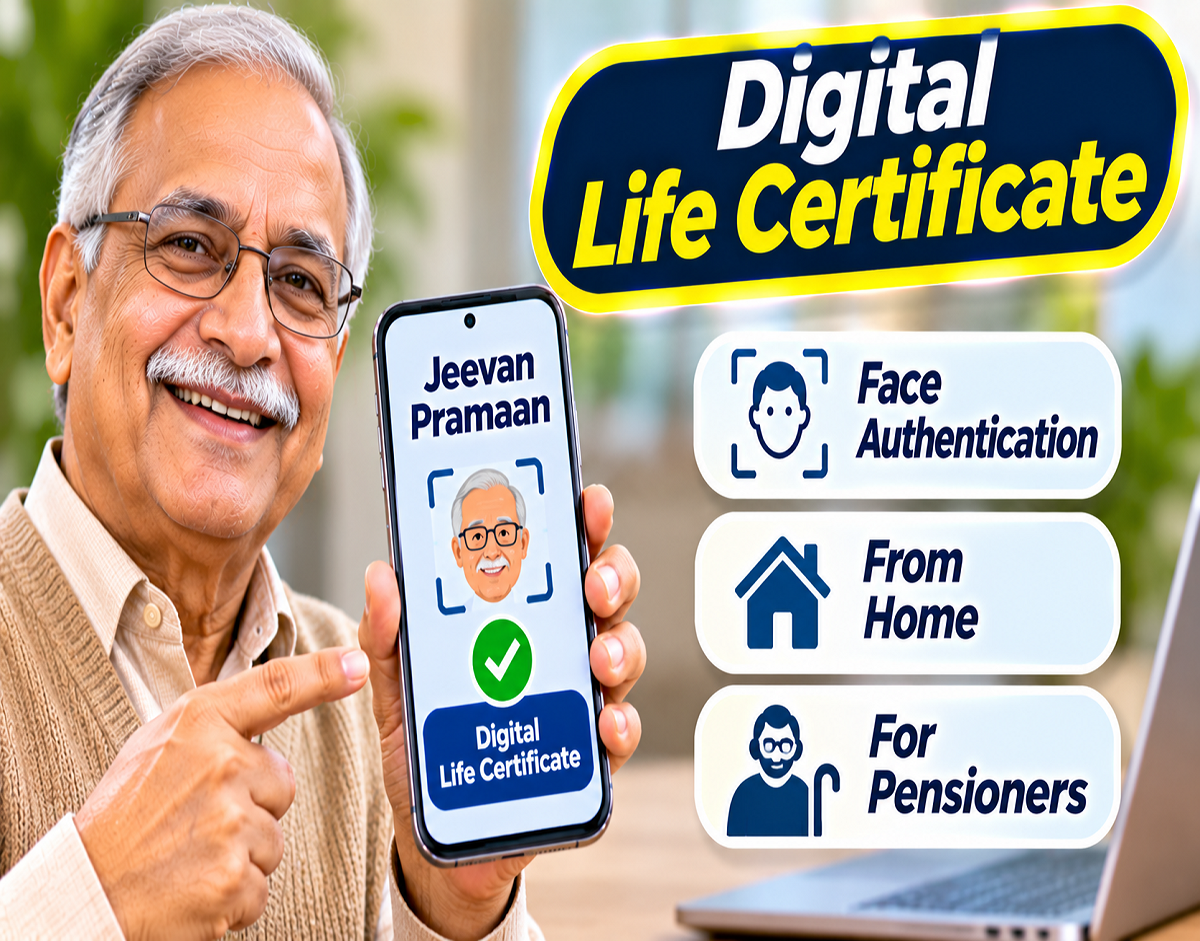
Digital Life Certificate 2026: Pensioners across India can now complete their annual life certificate verification without necessarily visiting a bank branch or pension office. Under the nationwide Digital Life Certificate (DLC) Campaign 5.0, pensioners are being encouraged to use the Jeevan Pramaan digital service and Aadhaar-based face authentication to submit their life certificates conveniently through smartphones.
The campaign focuses on making pension verification more accessible, particularly for elderly pensioners and individuals who face difficulties travelling to banks or government offices.
A government awareness message highlights that eligible pensioners can complete the verification process using their smartphone's camera and the Jeevan Pramaan application. A step-by-step video guide is also being promoted to help users understand the procedure.
The facility aims to reduce dependence on physical paperwork, long queues and repeated visits for pension-related verification.
Digital Life Certificate Campaign 5.0: Key Highlights
| Particulars | Details |
|---|---|
| Campaign | Nationwide Digital Life Certificate Campaign 5.0 |
| Main Service | Digital Life Certificate (Jeevan Pramaan) |
| Target Beneficiaries | Eligible pensioners |
| Verification Method | Aadhaar-based face authentication |
| Device | Compatible smartphone |
| Main Applications | Jeevan Pramaan Face App and Aadhaar Face RD |
| Official Website | jeevanpramaan.gov.in |
| Campaign Period | November 1–30, 2026 |
| Main Benefit | Life certificate submission without a routine physical visit |
What Is a Digital Life Certificate?
A Digital Life Certificate, also known as Jeevan Pramaan, is an electronic certificate used to verify that a pensioner is alive and eligible to continue receiving pension payments.
Pensioners covered by applicable pension rules are generally required to submit a life certificate periodically.
Traditionally, this involved visiting a bank, pension-disbursing authority or other designated centre for verification.
The Jeevan Pramaan system provides a digital alternative by allowing eligible pensioners to complete authentication electronically.
After successful verification, a digital certificate is generated and made available through the Jeevan Pramaan system.
The certificate can be accessed by the relevant pension-disbursing agency, subject to its integration and acceptance procedures.
What Is the Nationwide DLC Campaign 5.0?
The fifth nationwide Digital Life Certificate campaign is an initiative to increase awareness and adoption of digital life certificate submission among pensioners.
The campaign encourages the use of digital authentication methods, including smartphone-based face verification.
Its objective is to make annual pension verification easier for eligible pensioners, especially senior citizens who may have mobility challenges.
The 2026 campaign is scheduled for November 1 to November 30.
Pensioners should nevertheless check the submission requirements and deadlines applicable to their particular pension scheme. Not all pension arrangements necessarily follow identical procedures.
How Does Aadhaar Face Authentication Work?
Aadhaar-based face authentication uses an authorised facial verification process to authenticate an individual's identity.
For Jeevan Pramaan, a compatible smartphone can be used to capture the pensioner's face through the device camera.
The authentication process is conducted using the supported application and UIDAI's face authentication framework.
When the required verification and pension details are successfully processed, the system can generate a Digital Life Certificate.
This method can reduce the need for external biometric fingerprint or iris-scanning devices.
However, successful authentication depends on device compatibility, application requirements, correct personal information and other applicable conditions.
How to Submit a Digital Life Certificate Using Your Smartphone
Pensioners can follow these general steps to complete the Jeevan Pramaan face authentication process.
- Install the required applications: Download the official Jeevan Pramaan Face App and Aadhaar Face RD application from an authorised app store.
- Open the Jeevan Pramaan application: Allow the necessary camera and other permissions required for verification.
- Complete operator authentication: Follow the application's operator registration or authentication instructions, where applicable. An eligible family member or another person may assist the pensioner.
- Enter pension details: Provide the required Aadhaar information, mobile number, pension account details, Pension Payment Order (PPO) number and other requested information.
- Start face authentication: Follow the on-screen instructions to capture the pensioner's face using the smartphone camera.
- Complete verification: Allow the application to process the authentication and confirm the submitted information.
- Save the acknowledgement: After successful submission, retain the Jeevan Pramaan ID or acknowledgement for future reference.
The exact sequence of screens may differ according to the application version. Pensioners should follow the current instructions displayed in the official app.
What Documents and Details Are Required?
Before beginning the process, pensioners should keep the following information available.
| Information | Purpose |
|---|---|
| Aadhaar Number | Identity authentication |
| Mobile Number | Communication and verification |
| PPO Number | Identification of pension records |
| Pension Account Details | Matching pension information |
| Pension Sanctioning Authority | Identifying the relevant authority |
| Pension Disbursing Agency | Directing the certificate to the appropriate agency |
| Compatible Smartphone | Completing face authentication |
Aadhaar-based verification requires the necessary consent and compliance with applicable authentication requirements.
Pensioners should also ensure that their details match the records maintained by their pension authorities.
Benefits of Jeevan Pramaan Face Authentication
No Routine Visit to the Bank
Eligible pensioners can submit their life certificates remotely instead of travelling to a bank or pension office solely for verification.
No Separate Fingerprint Scanner
Smartphone-based face authentication can eliminate the need for an external fingerprint device in supported cases.
Convenient for Elderly Pensioners
Senior citizens with mobility difficulties may find the facility especially useful.
Reduced Paperwork
Digital submission reduces dependence on physical certificates and manual verification procedures.
Assistance From Family Members
Where permitted by the application workflow, a family member or another trusted person can help a pensioner complete the digital process.
Is Face Authentication Available to Every Pensioner?
The facility is intended for eligible pensioners whose pension arrangements support Jeevan Pramaan.
However, successful submission depends on several factors, including correct pension details, Aadhaar authentication, device compatibility and acceptance by the relevant pension-disbursing authority.
Some pensioners may need to use another approved verification method if face authentication cannot be completed.
Pensioners should confirm that their pension-disbursing agency accepts the Digital Life Certificate generated through the service.
What Happens After Successful Submission?
After the verification process is completed successfully, the Jeevan Pramaan system generates a Digital Life Certificate.
The pensioner generally receives an acknowledgement containing a Jeevan Pramaan ID.
This identifier can be used to access the certificate through the official system.
The relevant pension-disbursing agency can retrieve or process the certificate according to its established procedures.
Pensioners should remember that successful certificate generation and final processing by the pension-disbursing agency are related but distinct stages.
If pension records contain discrepancies, additional verification may be necessary.
How to Check or Download a Digital Life Certificate
Pensioners can visit the official Jeevan Pramaan website to access the available certificate-related services.
They should follow the portal's instructions and provide the required authentication or certificate information.
It is advisable to retain the acknowledgement until the pension-disbursing authority has processed the life certificate.
What If Face Authentication Fails?
Face authentication may occasionally fail because of poor lighting, camera positioning, connectivity problems or inconsistencies in the required information.
Pensioners can try the following measures:
- Use the application in a well-lit environment.
- Keep the smartphone camera clean.
- Position the face according to the on-screen instructions.
- Ensure a stable internet connection.
- Check that the required applications are updated.
- Verify that the entered pension details are accurate.
- Try again after resolving any application errors.
If the problem continues, pensioners should seek assistance through official Jeevan Pramaan support channels or their pension-disbursing agency.
They may also use another accepted life certificate submission method where available.
Can Pensioners Submit DLC Through Other Methods?
Yes. Depending on eligibility and available facilities, pensioners may have access to other approved methods of life certificate submission.
These can include designated bank branches, authorised service centres and supported doorstep services.
India Post Payments Bank and other participating organisations have also provided assisted digital life certificate services under applicable arrangements.
Availability, service charges and eligibility should be checked with the relevant provider.
Important Safety Tips for Pensioners
Pensioners should download applications only from official sources and avoid suspicious links promising instant pension verification.
Aadhaar details, OTPs, banking passwords and other sensitive information should never be shared with unknown callers.
Anyone assisting with the process should be a trusted person.
Pensioners should also be cautious of messages claiming that their pension will be stopped immediately unless they make an online payment.
The Digital Life Certificate process should be completed only through authorised channels.
Official Jeevan Pramaan Website
Jeevan Pramaan — Digital Life Certificate
Visit the official Jeevan Pramaan portal
Access information about Digital Life Certificates, supported services, application requirements and official assistance.
Conclusion
The nationwide Digital Life Certificate Campaign 5.0 is encouraging pensioners to adopt smartphone-based verification through the Jeevan Pramaan service.
Aadhaar face authentication offers eligible pensioners a convenient alternative to visiting banks or pension offices for routine life certificate submission.
By using a compatible smartphone and following the official application instructions, pensioners can complete the verification process and obtain a digital acknowledgement.
Pensioners should submit their life certificates within the deadline applicable to their pension scheme, verify that the certificate has been processed and retain their Jeevan Pramaan acknowledgement.
The initiative is another step towards making pension-related services more accessible and reducing unnecessary travel and paperwork for senior citizens.
Source Credit: Nationwide Digital Life Certificate Campaign 5.0 public awareness message, with references to the Department of Financial Services, Department of Administrative Reforms and Public Grievances, and Department of Pension & Pensioners' Welfare. Official reference: Jeevan Pramaan, Government of India.