Business
Google Account Security: Turn On 2-Step Verification to Stay Protected Even If Your Password Leaks
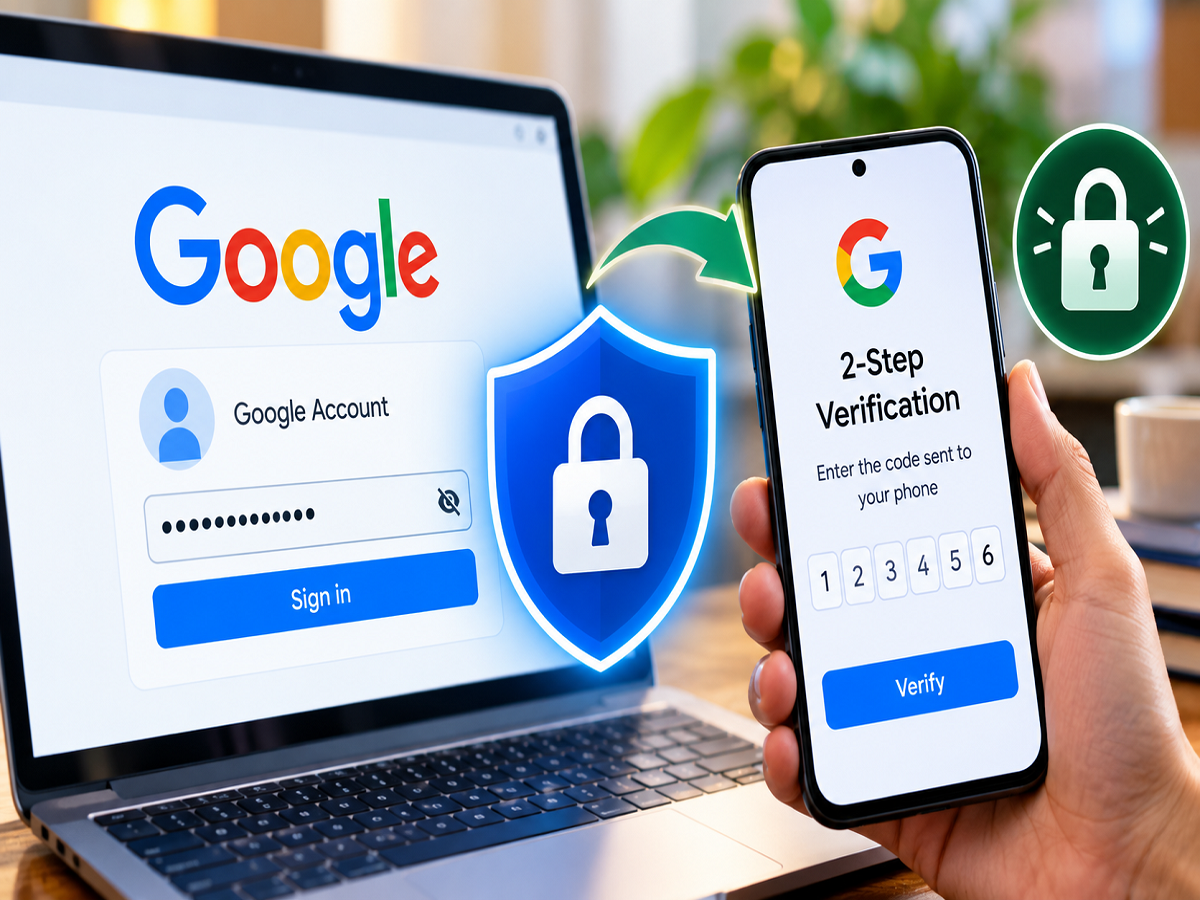
A Google Account can hold far more sensitive information than many users realize. The same account may provide access to Gmail, Google Drive, Photos, Docs and several other Google services. That convenience also means protecting the account itself is extremely important.
A strong and unique password remains essential, but a password alone may not always be enough. Passwords can be exposed through phishing attempts, data breaches, malware or accidental sharing. This is where Google's 2-Step Verification can provide an additional security barrier.
Once 2-Step Verification is enabled, knowing the password alone generally isn't sufficient to sign in from an untrusted device. Google can require an additional form of verification before granting access.
Here is how the feature works and how you can enable it on your Google Account.
What Is Google 2-Step Verification?
Google's 2-Step Verification, commonly described as two-factor authentication or 2FA, adds another identity check to the login process.
Normally, you enter your email address and password to access your account. With 2-Step Verification enabled, Google may ask for another verification method when necessary.
Depending on your account and device, this additional step can include a passkey or security key, a Google prompt on a trusted device, an authenticator code, a phone-based verification method or a backup code.
This means that if someone obtains your password, they may still be unable to access your account without completing the additional verification requirement.
Why Is Extra Google Account Security Important?
A compromised Google Account can potentially expose information stored across multiple connected services.
For example, Gmail may contain personal conversations, bills, financial correspondence and password-reset emails. Google Drive and Docs may contain important files, while Google Photos could contain personal pictures and videos.
Depending on how you use Google's services, your account could also be associated with purchases, subscriptions or other sensitive information.
Adding a second verification method therefore reduces the risk created by a stolen password.
However, users should remember that 2-Step Verification does not make an account impossible to compromise. Phishing attacks and other scams can still target users, so suspicious links and unexpected login requests should always be treated cautiously.
How to Turn On 2-Step Verification for Your Google Account
The setup can be completed through Google's account security settings. Menu wording may vary slightly depending on the device or interface version.
- Open a web browser on your smartphone, tablet or computer and sign in to your Google Account.
- Open your Google Account management page. Depending on the interface, you can usually access it by selecting your profile picture and choosing Manage your Google Account.
- Go to the Security or Security & sign-in section.
- Find the section covering how you sign in to Google.
- Select 2-Step Verification.
- Google may ask you to confirm your identity by entering your password or using another existing authentication method.
- Follow the instructions displayed on the screen to activate 2-Step Verification and configure an additional sign-in method.
Once the setup is completed, Google can require the additional verification step when it detects that one is necessary.
Which Verification Methods Can You Use?
Google offers multiple ways to strengthen sign-in security, although the exact choices available can depend on your account, device and settings.
Passkeys: Passkeys can allow you to verify your identity using a supported device's screen lock, fingerprint, face recognition or other secure authentication mechanism.
Security keys: A physical security key can be used as a strong authentication method for supported accounts and devices.
Google prompts: Google may send a sign-in prompt to an eligible trusted device. You can review the request and approve it only when you are the person trying to log in.
Authenticator: An authenticator app can generate verification codes that change periodically and can be used during sign-in.
Phone verification: Depending on availability and account settings, phone-based methods may also be offered.
Backup codes: These can help you regain access when your usual second-step method is unavailable. Backup codes should be stored securely and should never be shared with anyone.
Never Approve an Unexpected Google Prompt
Turning on 2-Step Verification is only part of keeping your account secure.
If a login approval request suddenly appears on your phone when you are not trying to sign in, do not approve it. An unexpected prompt may indicate that someone else has obtained or is attempting to use your credentials.
You should review your account's recent security activity and change your password if you suspect unauthorized access.
Never share verification codes, backup codes or passwords with another person. Be especially cautious if someone contacts you claiming to be from customer support and asks for a one-time code or login approval.
Keep Recovery Information Updated
Account recovery settings are also important. Make sure the recovery information associated with your Google Account remains current so that you have a way to recover access if you lose your phone or cannot use your regular verification method.
Users who rely heavily on Gmail, Drive, Photos and other Google services should also review signed-in devices periodically and remove devices they no longer recognize or use.
A Password Shouldn't Be Your Only Line of Defence
Using a long, unique password is still one of the foundations of account security, but enabling 2-Step Verification provides another layer of protection.
If your password is ever exposed, an additional verification requirement can make unauthorized access considerably more difficult.
For anyone using a Google Account to store emails, documents, photos or other important information, activating 2-Step Verification is a simple security measure worth considering.
Note: Google may change the names, placement and availability of security settings over time. Users should follow the options currently displayed in their Google Account security settings.