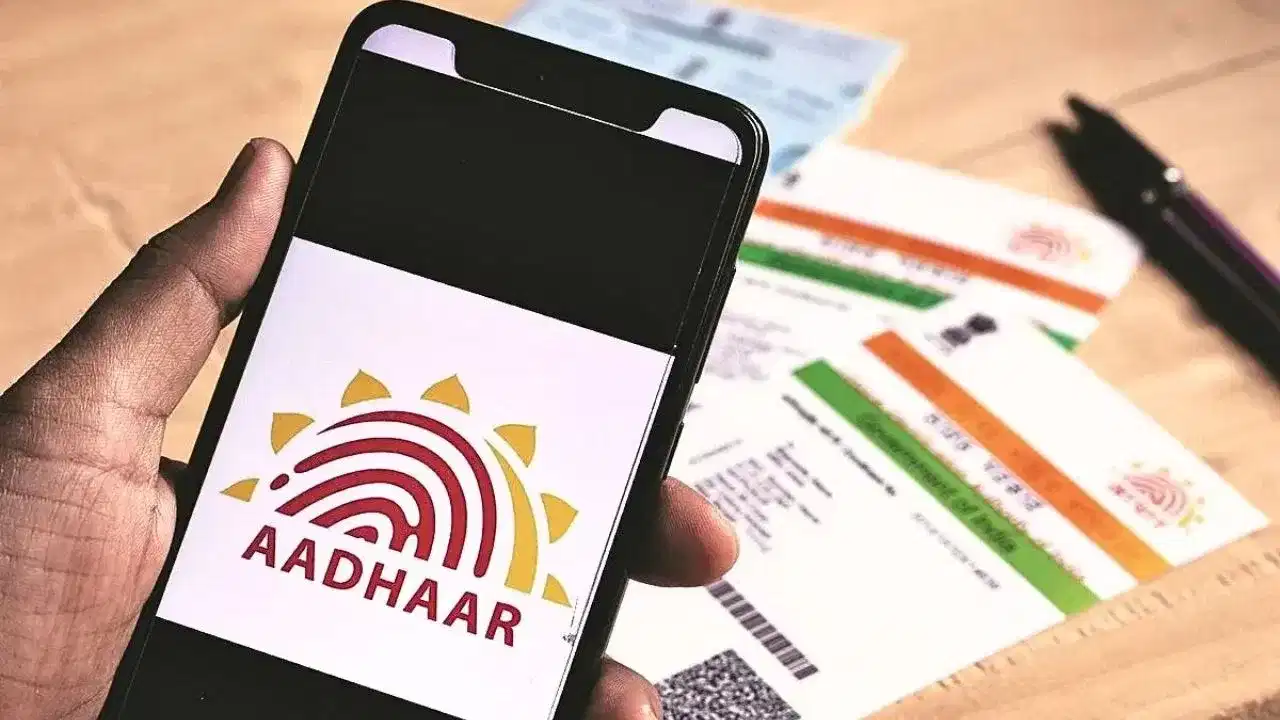
Aadhaar Address Update: Changed your house or moved to another city? You can update the address on your Aadhaar online through UIDAI's myAadhaar portal, provided you meet the online authentication requirements and have the necessary supporting documents. This can save you a visit to an Aadhaar enrolment or update centre.
Aadhaar is widely used for identity verification across banking, government services, telecom and several other services. Therefore, keeping your Aadhaar details updated can help avoid problems when your current address differs from the information in UIDAI's records.
Here is how the online Aadhaar address update process works and what you should check before submitting a request.
Can You Change Your Aadhaar Address Online?
Yes. UIDAI provides an online facility through its official myAadhaar portal for eligible Aadhaar holders to submit an address update request.
To use the online service, you generally need access to the mobile number registered with your Aadhaar because authentication is completed using an OTP.
Avoid using unknown links received through SMS, WhatsApp or social media for Aadhaar-related services. Enter the official UIDAI/myAadhaar address directly or access it through UIDAI's official website.
How to Update Your Aadhaar Address Online
The process can be completed from a smartphone or computer. The exact wording of options can change as UIDAI updates its portal, but the general procedure is:
- Open the official myAadhaar portal.
- Select the login option and enter your Aadhaar number.
- Complete the CAPTCHA/security verification shown on the screen.
- Request an OTP on your Aadhaar-registered mobile number.
- Enter the OTP and sign in.
- Choose the Aadhaar update/address update service available on the dashboard.
- Enter your new address carefully.
- Upload an accepted Proof of Address document.
- Review all the information before submission.
- Pay the applicable online update fee displayed on the official portal and submit the request.
After successful submission, keep the acknowledgement and request/reference number safely. It can be used to track your update request.
Which Documents Can Be Used as Address Proof?
UIDAI accepts specified documents as Proof of Address, subject to its current document rules.
Depending on eligibility and the details shown on the document, acceptable documents can include items such as a passport, voter ID, bank-related documents, utility bills and other documents included in UIDAI's approved list.
Do not assume that every electricity bill, bank statement or rental document will automatically qualify. Check UIDAI's latest list of acceptable documents before submitting the application.
The document should also be readable and contain the information necessary for verification.
What If You Don't Have Address Proof in Your Own Name?
This is a common problem for people who have recently moved, students, spouses and family members living at an address where supporting documents are not issued in their own name.
UIDAI provides a Head of Family (HoF)-based address update facility for eligible cases.
Under this method, the Aadhaar holder can request an address update based on the address of an eligible Head of Family, subject to UIDAI's relationship, consent and documentation requirements.
This means not having a conventional Proof of Address in your own name does not necessarily prevent you from updating the address.
Keep the Update Request Number Safe
Once an online Aadhaar update request has been successfully submitted, the portal provides an acknowledgement/reference number for tracking.
Save this number or take a screenshot of the acknowledgement page.
You can subsequently return to myAadhaar and use the relevant status-tracking facility to check whether the request is under verification, completed or requires further action.
Address Update and Document Update Are Different
This distinction is particularly important.
Updating your address means changing the demographic address recorded in Aadhaar.
Document Update, on the other hand, is a service for submitting/updating supporting Proof of Identity and Proof of Address documents associated with Aadhaar records without necessarily changing your demographic details.
Therefore, a promotional period for free online Document Update should not automatically be interpreted as a free Aadhaar address change.
Check the fee displayed on the official UIDAI portal immediately before submitting the request, as fees and promotional deadlines can change.
Check Your Documents Before Uploading
Poor-quality documents are one of the avoidable reasons an online request can face problems.
Make sure the uploaded document is clear, readable and complete. Important information should not be cropped, blurred or hidden.
More importantly, enter the new address carefully and ensure it can be supported by the document or HoF route being used.
Review spellings, house or flat number, street/locality, district, state and PIN code before making the final submission.
Registered Mobile Number Is Important
OTP authentication is required for several myAadhaar online services.
Therefore, you need access to the mobile number registered with Aadhaar when using an OTP-based online update service.
If you no longer have access to the registered mobile number, you may need to visit an Aadhaar enrolment/update centre for the relevant mobile-number update procedure before being able to use certain online services.
Beware of Fake Aadhaar Update Websites
Aadhaar-related searches often lead users to unofficial websites, advertisements or fraudulent links.
Never disclose your Aadhaar OTP to another person. An OTP received for Aadhaar authentication should be entered only by you on the legitimate UIDAI service where you initiated the request.
Also avoid paying anyone who claims they can "instantly approve" an Aadhaar address update. Approval is subject to UIDAI's verification process.
You May Not Need to Stand in a Queue
For eligible Aadhaar holders with access to their registered mobile number and valid supporting documents, changing an address can be initiated online without making a trip solely to submit the request.
The safest approach is straightforward: use only the official myAadhaar portal, select the appropriate address update service, upload an accepted document, pay only the fee displayed by UIDAI, and save the acknowledgement number until the update is completed.